

How do I open my booking site settings from Manager?
- Manager v3
- Administrator
In short. In Manager, click Settings › Booking site: a new tab opens, already signed in, on the booking settings of Fleetee Web. This entry is reserved to the administrator.
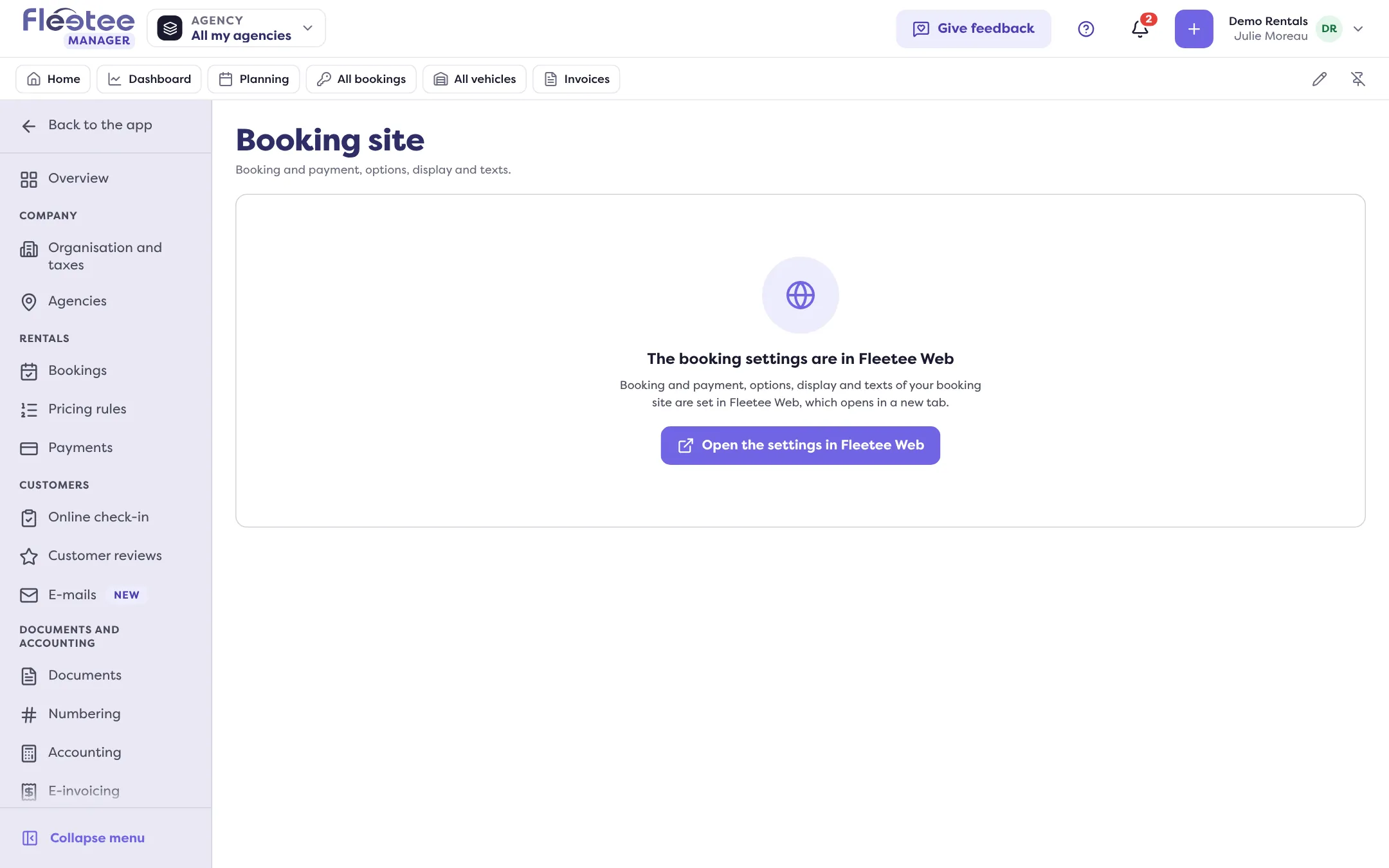
The settings of your booking site (booking and payment, options, display and texts) are not set in Manager: they are set in Fleetee Web. Manager takes you there in one click, with no new sign-in. This entry is reserved to the company administrator.
Open Settings
In the Manager menu, click Settings. The pages are grouped in sections: this one is in Modules and connectors.
Click “Booking site”
An icon shows that this entry opens another application. Fleetee Web opens in a new tab, already signed in with your account. You land on Réservation › Parcours (Booking › Booking flow). The side menu of Settings opens Fleetee Web the same way.
Set what you need
The Réservation (Booking) menu of Fleetee Web groups the settings. For a first set-up, follow How do I get my booking module up and running?.
What you find in Fleetee Web
The Réservation menu of Fleetee Web includes:
- Vue d’ensemble (Overview): the state of the module and what is left to set up;
- Réservations (Bookings): the bookings made on your site;
- Apparence (Appearance): the colours, texts and steps of the module;
- Parcours (Booking flow): booking validation, deposit, displayed agencies;
- Paiement (Payment): online payment;
- Widget, Espace client (Customer area) and Avis clients (Customer reviews).
To understand what each part is for, read What is the booking module?.
Fleetee Web is displayed in French. The names above are quoted as they appear on screen, with a translation in brackets.
If you do not see “Booking site”
The entry is only offered to the administrator, and only if your company has a booking site and Fleetee Web is opened from Manager for it. If it is missing although you already use Fleetee Web, open Fleetee Web directly from Website in the Manager menu.
In Fleetee Web, some settings are reserved to the roles allowed to change the site: without that right you can read the screen but not change it. Ask your company administrator, or see What can each role do?.
Where to find it: Settings › Booking site (opens Fleetee Web in a new tab)
Go further
Updated on 18 November 2026 with version 3.0