

Invoices and exports: with the administrator
While Invoices, Payments and Reports are not open to you, the administrator or the agency manager prepares the accounting export and the cash journal, and can have them sent to you.
Objective
By the end of this lesson, you will know how to get your accounting exports without the Invoices and Reports pages, and what each file contains.
The essentials
On the 1st of the month, Sophie needs last month’s entries. As these pages are not open to her in Manager v3 yet, she asks Julie, the administrator, who does this:
- Finance › Invoices (or Payments), filtered on the period, then Export › Accounting entries (for payments: payments and purchases entries);
- Accounting standard: Default, Sage, EBP or Cegid; .csv format for accounting software;
- Generate the report: it is prepared in Reports, then Download or e-mail it to herself.
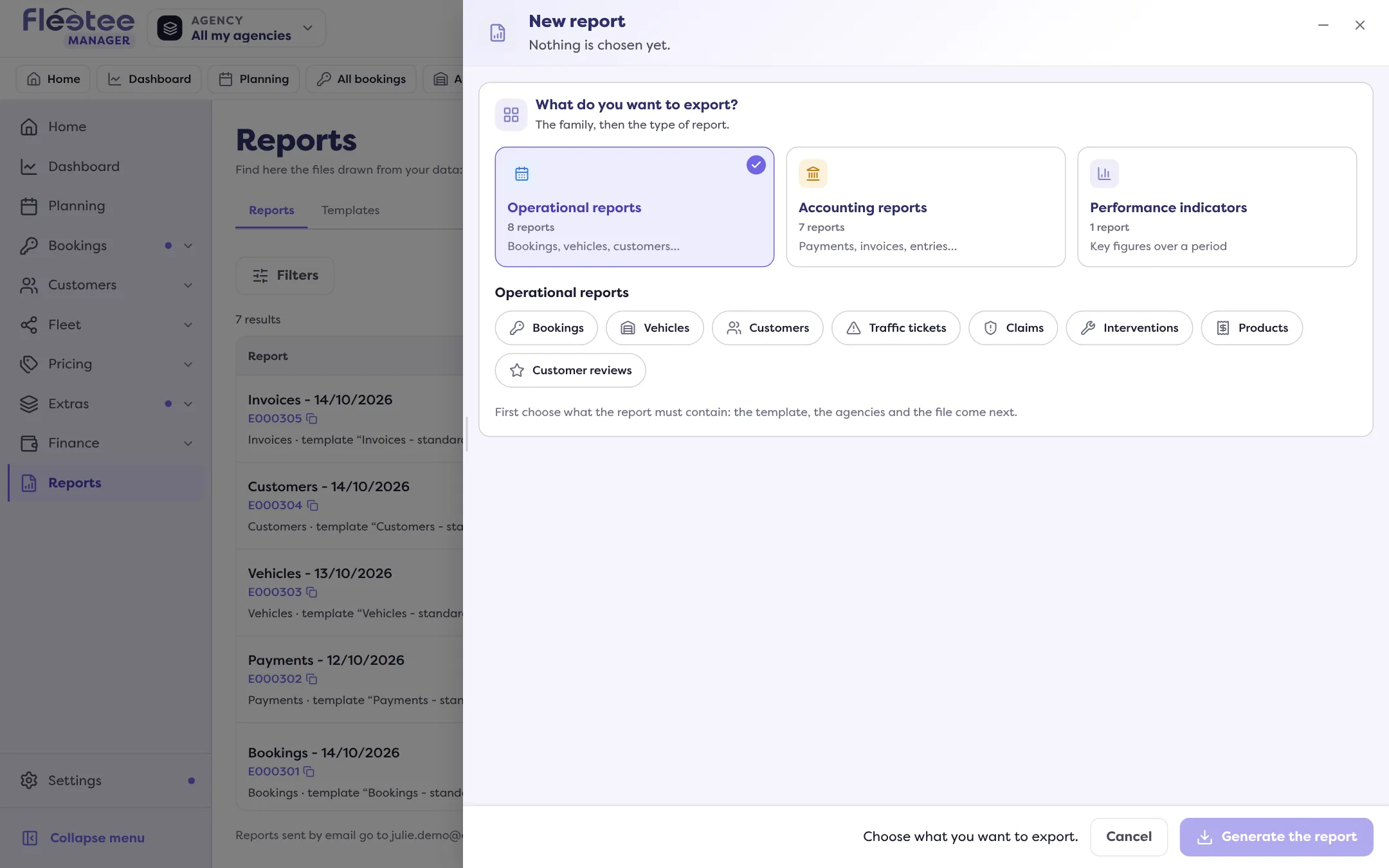
So as not to ask every month, Julie can keep a report template (Reports › Templates) and, for the cash journal, create an automation that sends it to the team every day. The cash journal covers a period and agencies: it follows neither the list’s filters nor its selection.
What the export contains: validated invoices and credit notes. No drafts (a draft has no entry), never deposits. A customer’s ledger is exported from their record, Customer account panel (administrator and agency manager).
Invoices are created and cancelled on the booking record or in Finance › Invoices, by the administrator or the agency manager. A validated invoice no longer changes: it is cancelled with a credit note.
Key steps
Ask the administrator for the export
Period, agencies, your software’s standard.
The administrator generates the report
Finance › Invoices or Payments › “Export”, or Reports › “New report” › Accounting reports.
They send it to you
Reports › “Download”, or by e-mail.
Check the codes before importing
They come from Settings › Accounting (lesson 3).
Your turn
Prepare your request
Write to your administrator the period, agencies and accounting standard you need, and ask them to keep a report template for the following months.
Further reading
Check what you learned
Answer every question correctly to complete the lesson.
Progress kept on this device. Soon with your Fleetee Account.