

What is the cash journal?
- Manager v3
- Administrator
- Agency manager
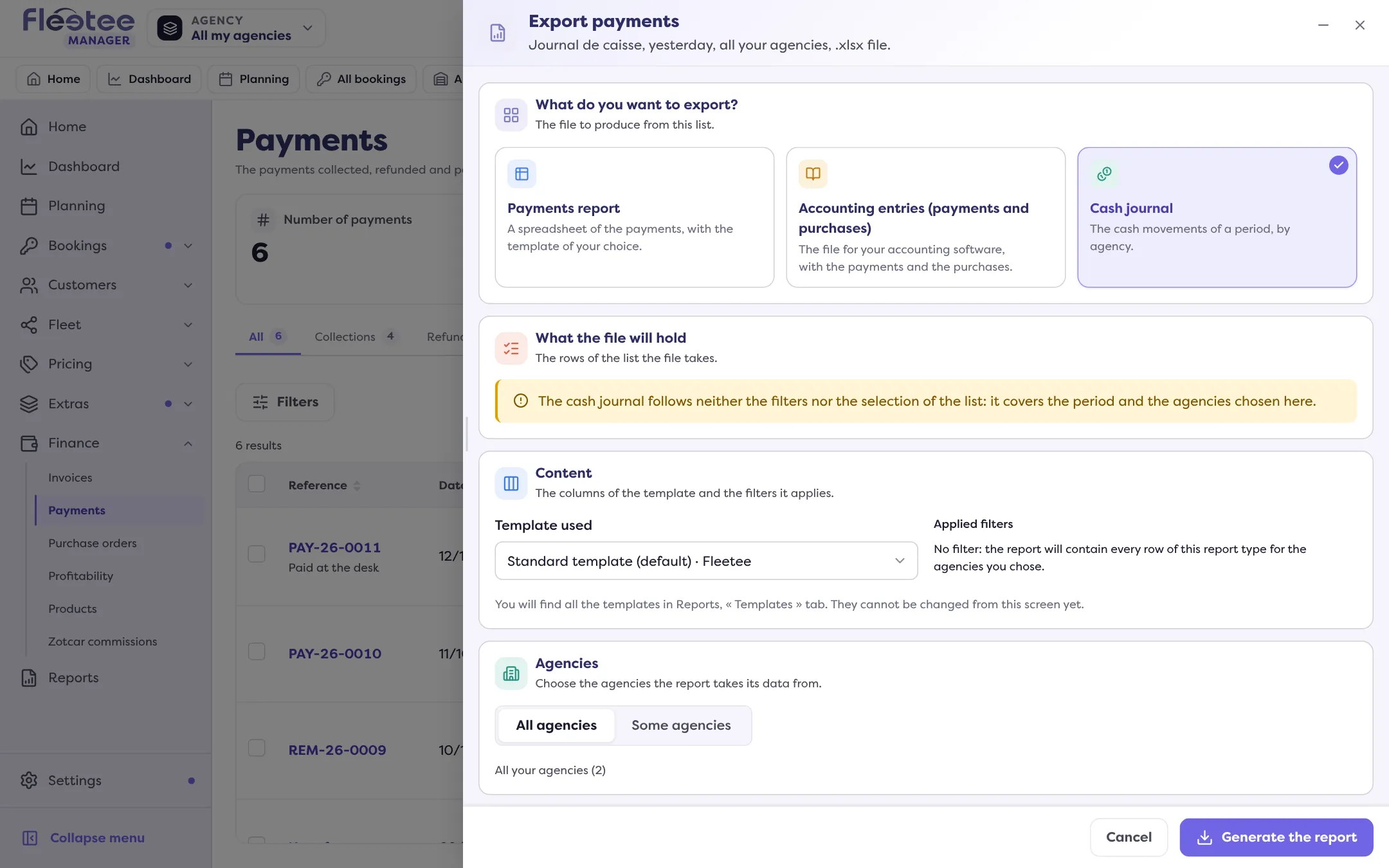
In short. The cash journal lists the cash movements of a period, by agency. It is exported from Finance › Payments › “Export” › “Cash journal” and follows neither the list’s filters nor its selection.
The cash journal is the statement of the cash movements of a period, by agency: what was collected and paid out, as your accountant expects it.
Where to find it
In Finance › Payments, click “Export” then choose “Cash journal” (“The cash movements of a period, by agency”). You can also request it in Reports › “New report”, or have it sent automatically to your team: an automation of the “Cash journal” type can, for example, send every day at 8 am the payments collected the day before.
What to know
- It follows neither the filters nor the selection of the payments list: it covers the period and the agencies you choose in the panel. It stays possible even when the list is empty.
- The period: “Custom” (“From” … “To”, 00:00 to 23:59) or a shortcut: “Today”, “Yesterday”, “Since yesterday”, “The last 7 days”, “Last month”, “The last 3 months”, “The last 12 months”.
- The format: as a PDF, it is only available with the default template. For accounting software, the recommended format is .csv.
- Deposits never appear in payments exports.
Do not confuse
The “Period shown by default” setting (Settings › Accounting) only picks the period offered when the payments received list opens. Exports for accounting software are described in How do I make my accounting export?.
Go further
Updated on 18 November 2026 with version 3.0