

Online booking and payment
In Réservation › Parcours, the administrator picks automatic or manual validation, the down payment and what the customer sees; Réservation › Paiement links the payment provider.
Objective
By the end of this lesson, you will know how to get the booking module working: validation, down payment, online payment.
The essentials
The booking module is the flow where your customers search, choose and book. It reads your agencies, vehicles and prices from Fleetee, and every booking is created there. Its settings are for the administrator; the Marketing role reads them.
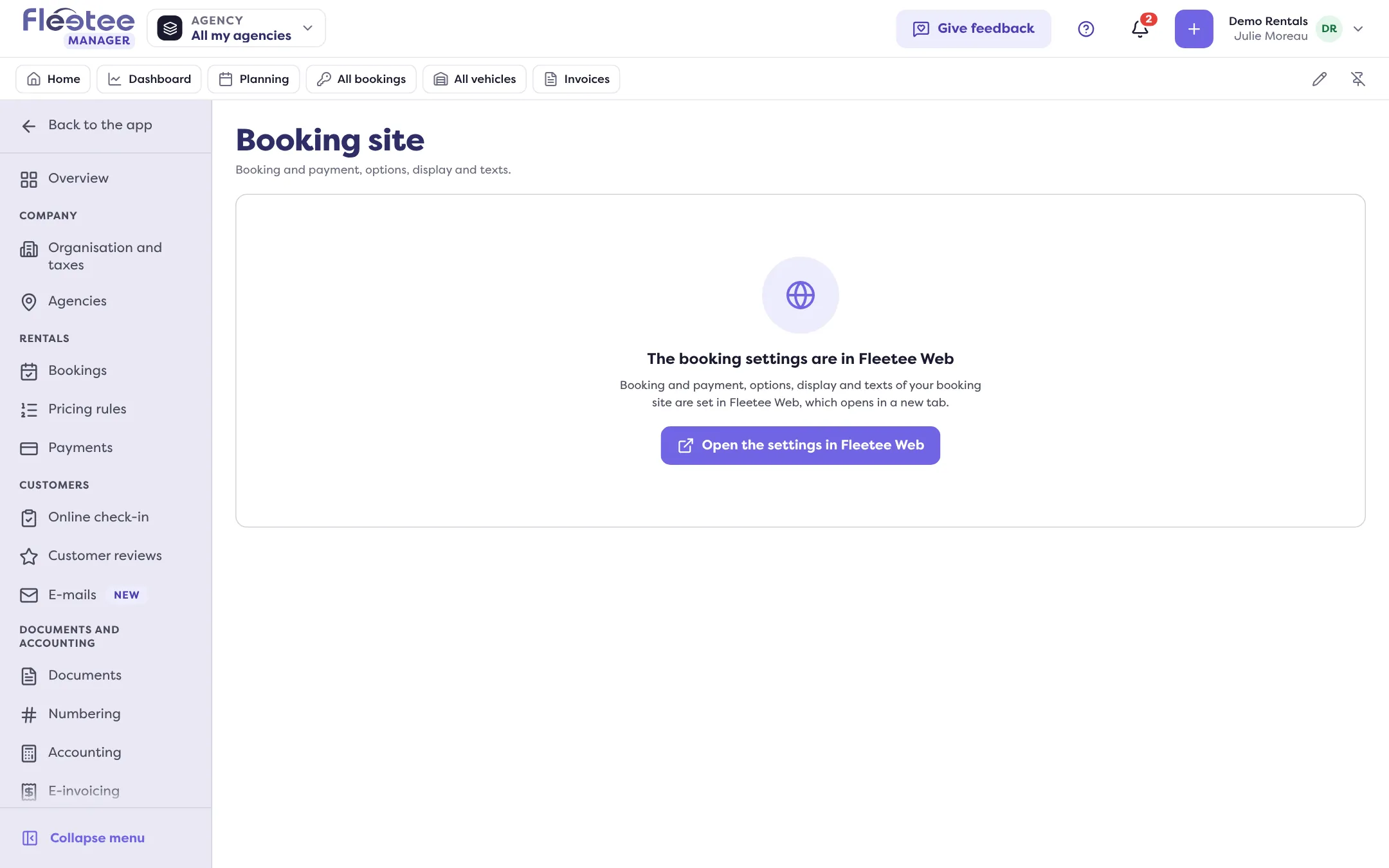
Julie opens Settings › Booking site in Manager: the settings open in Fleetee Web, Réservation (Booking) menu. Fleetee Web is shown in French; the names below are the screen’s.
- Vue d’ensemble (Overview): the module’s state (active, not configured, turned off) and the configuration status, line by line, with “Configurer”;
- Parcours (Booking flow): validation (“Automatique”: the customer pays and the booking is confirmed; “Manuel”: they send a request you accept), the down payment (full payment online, or a share), online payment per pricing group, the agencies, times and extras offered;
- Paiement (Payment): “Activer le paiement en ligne”, in three steps, choose, connect, ready. Stripe is the simplest; with a bank contract, PayZen, SystemPay, Lyra Collect, MIPS or Swikly.
Without online payment, an automatic booking cannot be made.
If you turn off online payment for a pricing group, its bookings are confirmed with no payment at all: you then collect at the agency.
Key steps
Open the booking settings
Manager › Settings › Booking site, or Fleetee Web › Réservation.
Read the overview
What is done is ticked; “Configurer” leads to the rest.
Set the booking flow
Validation, down payment, payment per pricing group.
Turn payment on
Réservation › Paiement › “Activer le paiement en ligne”.
Your turn
Take stock
Open Réservation › Vue d’ensemble and note the configuration lines that are not ticked. Do not change the validation mode during a busy period without warning the team.
Further reading
Check what you learned
Answer every question correctly to complete the lesson.
Progress kept on this device. Soon with your Fleetee Account.