

How do I complete a claim file?
- Manager v3
- Administrator
- Agency manager
- Rental agent
In short. Open the claim in Bookings › Claims, click “Edit” for the insurance, the vehicle, the damage, the documents and the photos, then “Save”. Work orders and billing have their own panels. “Close” ends the file.
A claim is reported quickly (How do I report a claim?) and completed afterwards, as the insurance, the appraisal and the repairs progress.
Open the claim
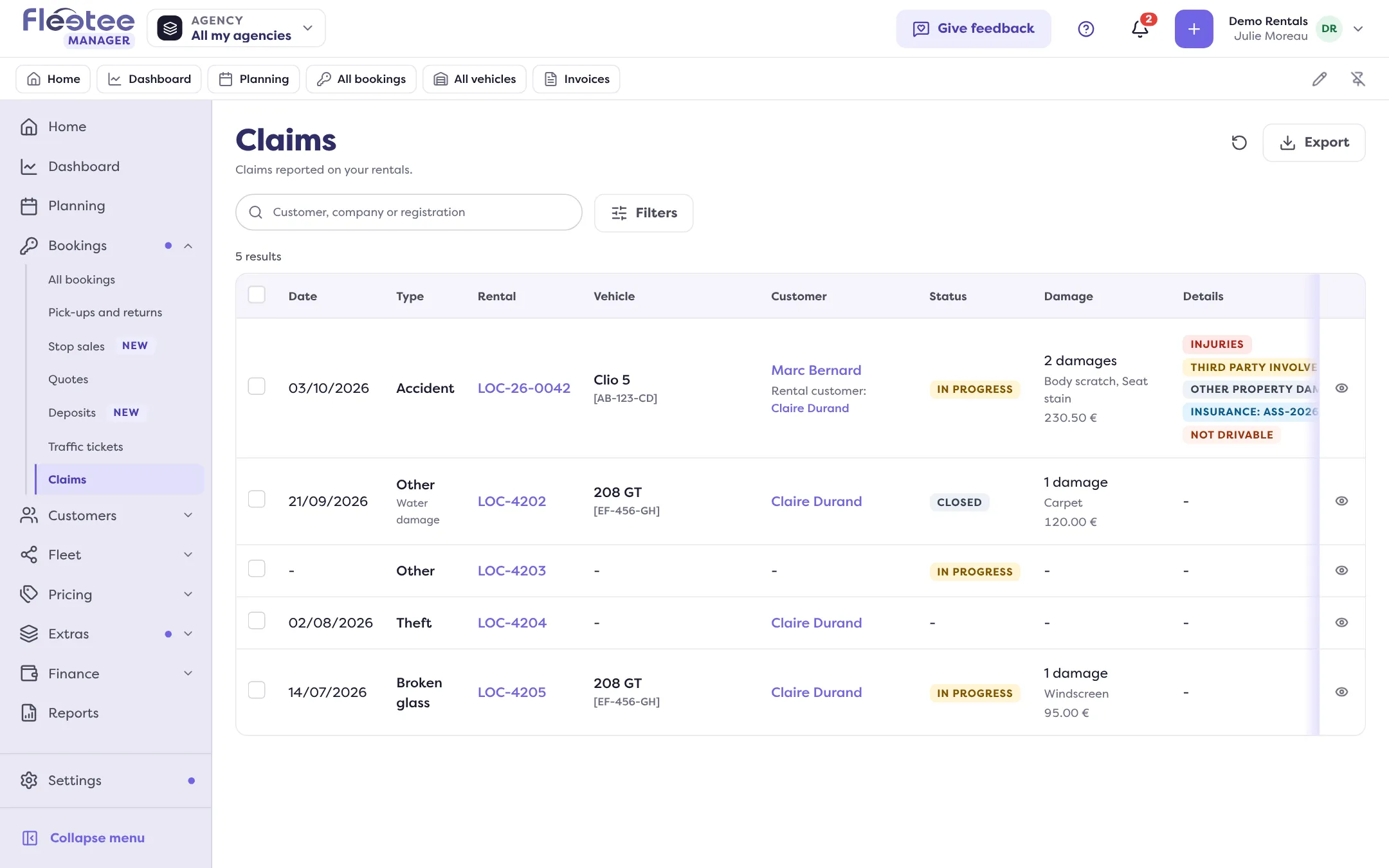
In Bookings › Claims, click the row. The file is titled “Claim of …” and has six panels: Claim, Work orders, Documents, Billing, E-mails and Activity.
Click “Edit”
The “Edit claim” form gathers:
- The claim: date, type, place, description, and the boxes “A third party is involved”, “There are injured people”, “Other property was damaged”, “The vehicle can be driven”;
- Insurance: File no., File status and Comment;
- The vehicle at the time of the claim: Mileage, Fuel level, Other information;
- Damage: “Add a damage” (location, type of damage, category, amount);
- Documents and Photos: the file’s items.
Click “Save”
“Claim updated.” If nothing changed: “No change to save.”
Attach the work orders
In the Work orders panel, “Add a work order” (repair) or “Appraisal”.
Close and reopen
“Close” moves the claim to “Closed”: it becomes read-only. “Reopen” puts it back “In progress” so you can edit it. Closing sends no e-mail, creates no invoice and does not block the vehicle.
As soon as an active invoice is attached to the claim, the damage pricing is frozen: “Pricing frozen: this claim has an active invoice…” Price before you invoice (How do I bill a claim to the customer?).
Where to find it: Bookings › Claims › the claim › “Edit”
Where to find it: Bookings › Claims › the claim › “Edit”
Go further
Updated on 18 November 2026 with version 3.0