

How do I group a customer’s bookings afterwards?
- Manager v3
- Administrator
- Agency manager
- Rental agent
In short. In Bookings › All bookings, tick the bookings of the same customer leaving from the same agency, then “Group together”. Fleetee creates a group covered by a group contract. A booking can later be taken out of the group without being cancelled.
You created bookings one by one, then realise they form a whole. No need to redo them: you group them.
Open Bookings › All bookings
If needed, filter by customer to see only their bookings. See How do I choose a list’s columns and filters, and save a view?.
Tick the bookings to join
An action bar appears (“2 rentals selected”) with “Send an e-mail”, “Group together” and “Export the selection”. See How do I act on several rows of a list at once?.
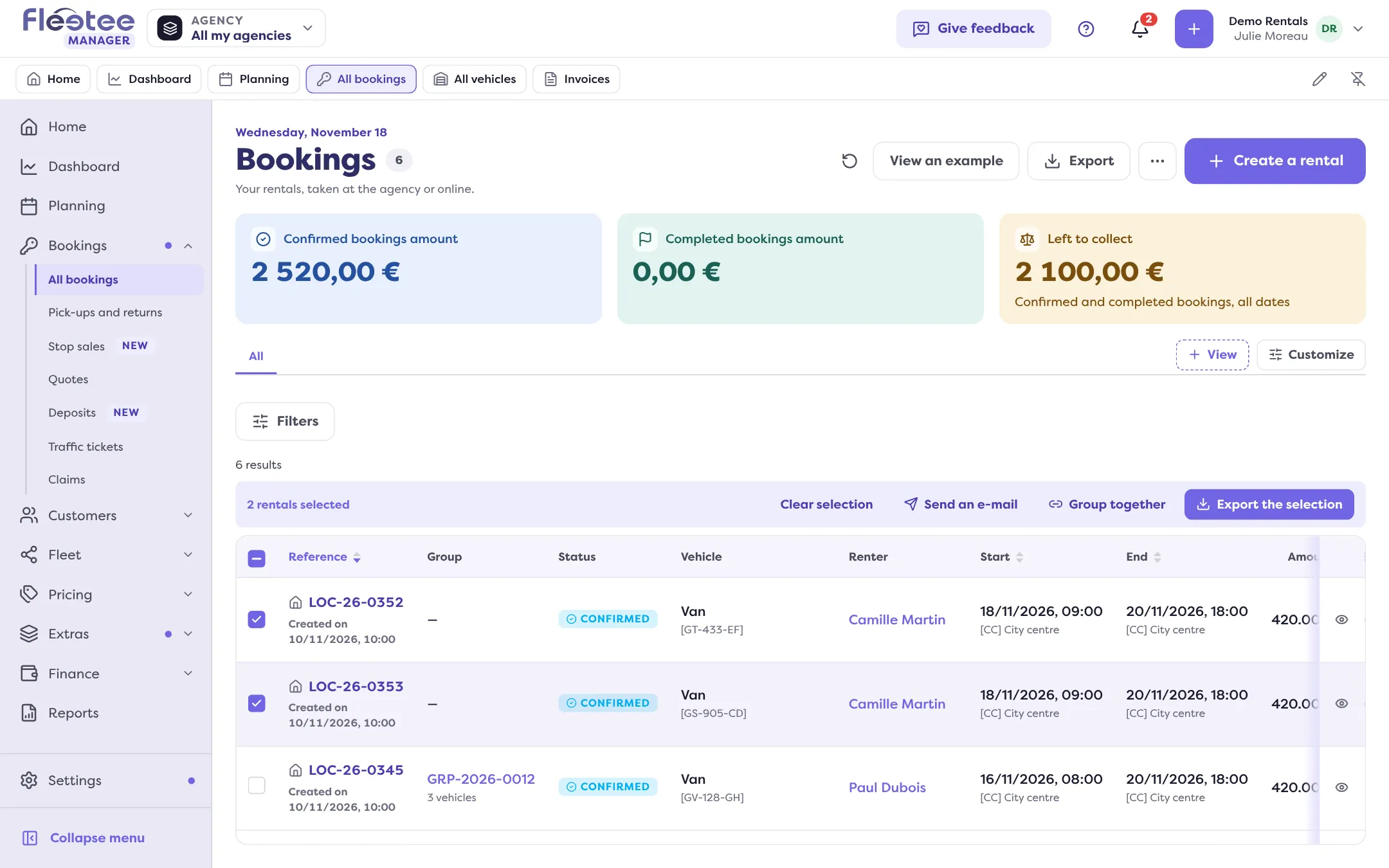
Click “Group together”
Fleetee asks “Group 2 rentals together?”: “They will form a new group, covered by a group contract. A rental can then be taken out of the group without being cancelled.”
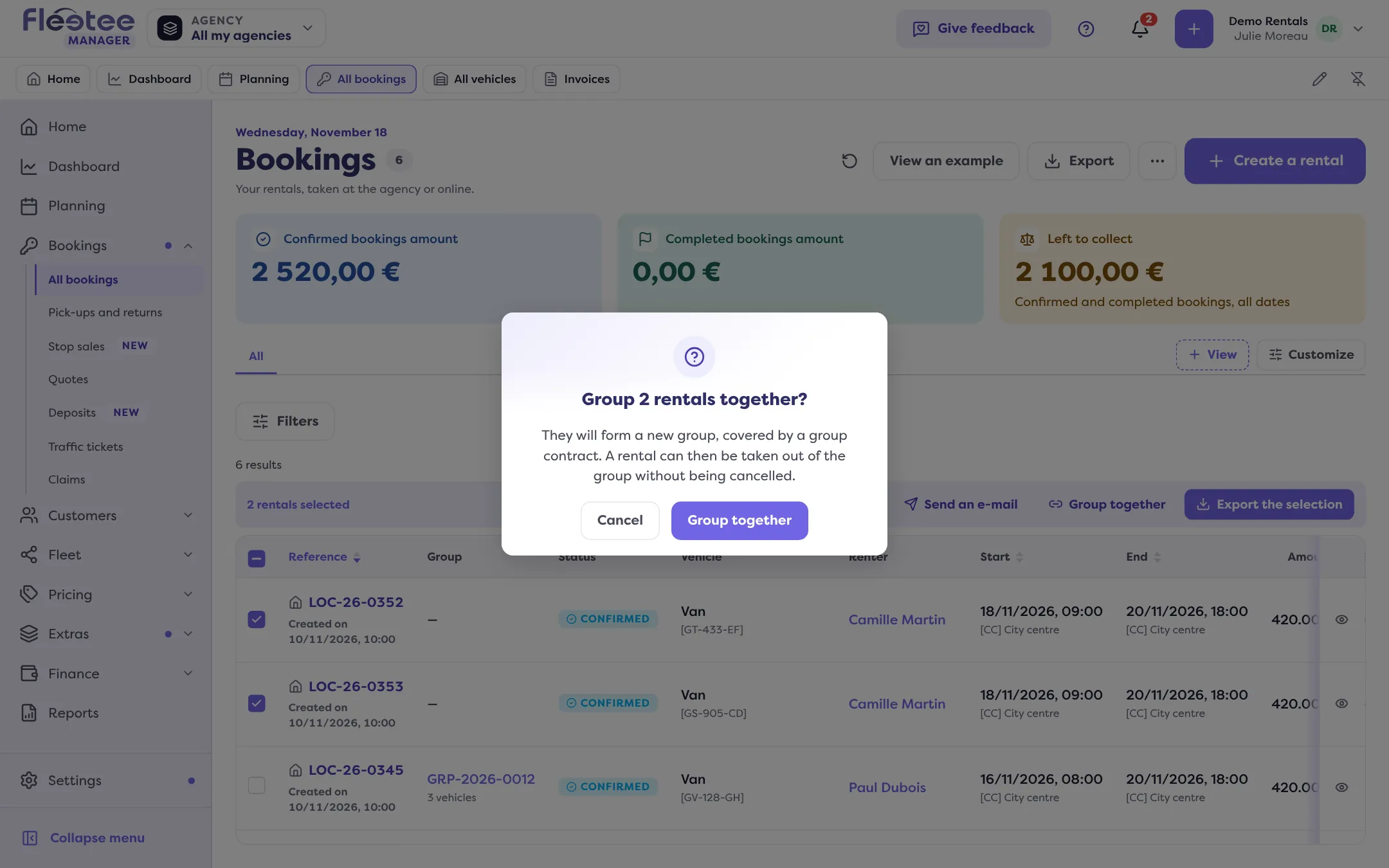
Confirm with “Group together”
Fleetee announces “Group GRP-… created” and opens the group file.
What is required
The bookings must have the same customer and leave from the same agency. The button is greyed out with no selection, or beyond 30 bookings.
When Fleetee refuses
- “These rentals do not have the same customer.”
- “These rentals do not leave from the same agency.”
- “One of these rentals is already in a group.”: a booking belongs to one group only. Take it out of the other, or merge the groups from a group file (“Merge”).
- “One of these rentals cannot be grouped at its status.”
- “One of these rentals already holds its deposit: it does not join this group.”: a deposit is carried by the group; release the booking’s own first.
- “A group holds quotes or rentals, not both.”
The “Group together” button exists only for those who can create a booking by hand.
After grouping
The “Group” column of the list (to show with “Customize”) and the “In a group” filter find your groups. The group file is described in What does a booking group file show?.
Where to find it: Bookings › All bookings: ticked rows › “Group together”
Where to find it: Bookings › All bookings: ticked rows › “Group together”
Go further
Updated on 18 November 2026 with version 3.0