

How do I duplicate or extend a quote?
- Manager v3
- Administrator
- Agency manager
- Rental agent
In short. On the quote, “Duplicate the quote” creates a new pending quote from it; “Extend the quote” reopens an expired or refused quote until a new expiry date.
Duplicate a quote
Duplicate a quote to offer a similar one without retyping everything: other dates, another vehicle, another customer.
Open the quote
In Bookings › Quotes, click the quote. The action exists whatever the customer’s answer (pending, converted, refused, expired, cancelled). It does not exist for a deleted quote.
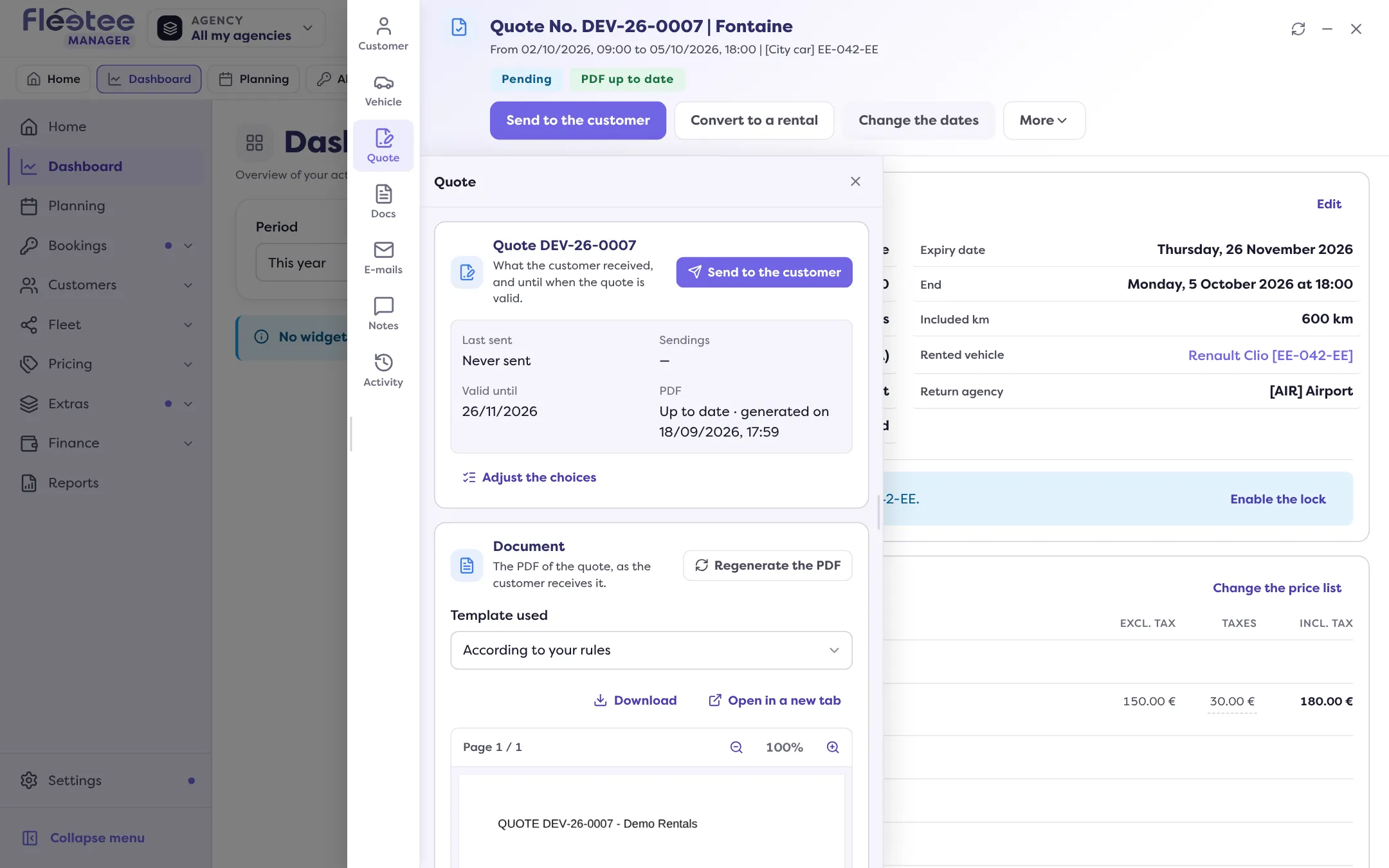
Click “Duplicate the quote”
The window asks: “Create a new quote from quote …?”
Confirm with “Duplicate”
The Manager says “Quote duplicated: …”; “Open” takes you to the new quote.
The new quote takes the customer and the drivers, the dates, the agencies, the category and the vehicle (when it is free on these dates), the price list, the options, the excess, the discounts, the choices offered to the customer, the note, the terms and the fields of the website booking form. Prices are calculated as for a new quote, except those typed by hand.
It has its own number, validity date and PDF. The signature, payments and sendings are not copied, and nothing is sent to the customer. You can then change the category or the vehicle. If something was deleted since (vehicle, option, discount…), the Manager says so: “Quote partly copied”. If the quote had been converted into a booking, the copy takes the booking as it is today.
Extend a quote
An expired quote can no longer be signed or accepted: the file says “The quote has expired: it can no longer be signed. Extend it to have it signed.” The same action reopens a quote refused by the customer.
Open the expired quote
In Bookings › Quotes, click the quote.
Click “Extend the quote”
The form shows the current expiry date.
Pick the “New expiry date”
It cannot be in the past. The quote goes back to “pending” until that date.
Save with “Extend the quote”
The Manager confirms “Quote extended”. The history notes “Quote extended”.
If the quote has not expired, the action is not possible: “This quote has not expired: there is nothing to extend.” To send the quote to the customer again after extending it, read How do I get a quote signed online?.
Where to find it: Bookings › Quotes › the quote › “Duplicate the quote” or “Extend the quote”
Where to find it: Bookings › Quotes › the quote › “Duplicate the quote” or “Extend the quote”
Go further
Updated on 18 November 2026 with version 3.0