

Can I validate a contract without a signature?
- Manager v3
- Administrator
- Agency manager
- Rental agent
In short. Yes: “Validate without signature” validates the contract (or amendment) without an online signature. It is final: the contract gets its number, is digitally signed by Fleetee and dated now.
Yes. When the customer cannot or will not sign, you can validate the contract without a signature. The same choice exists for an amendment.
What it does
- The document gets its number.
- It is digitally signed by Fleetee and dated now.
- It carries no customer signature.
The window says it: “Validation is final.” It also asks for confirmation: “Are you sure you want to validate the contract without a signature?” After that, any change to the booking goes through an amendment.
Where to do it
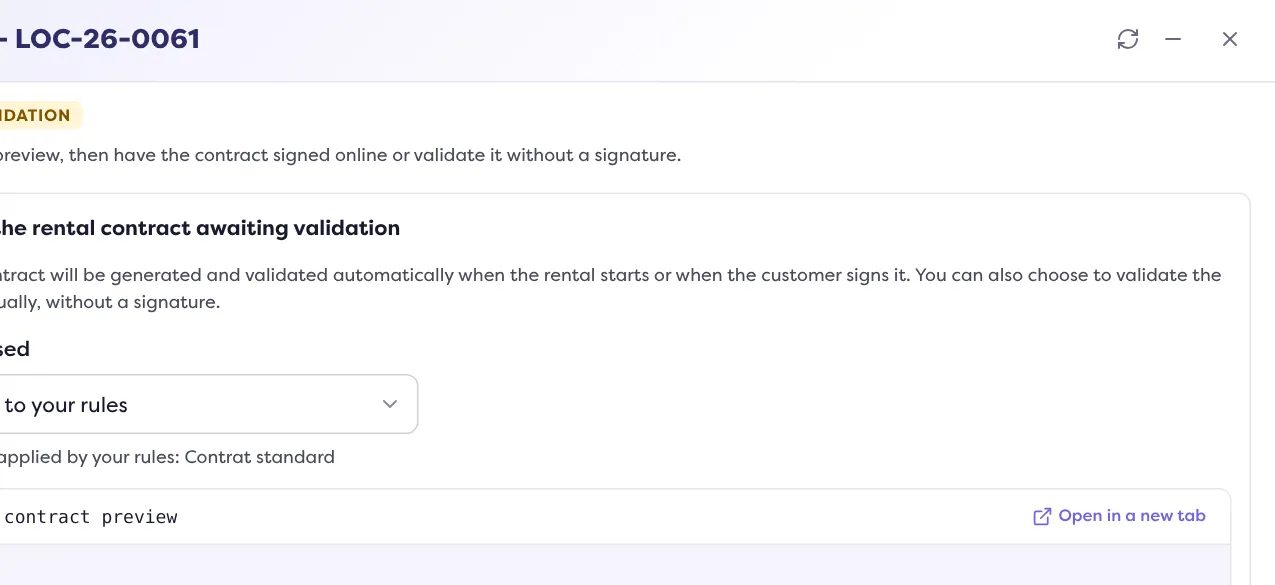
On the rental page, Docs panel: open the contract (“View the contract”), review the preview, then “Validate the contract”. The window offers:
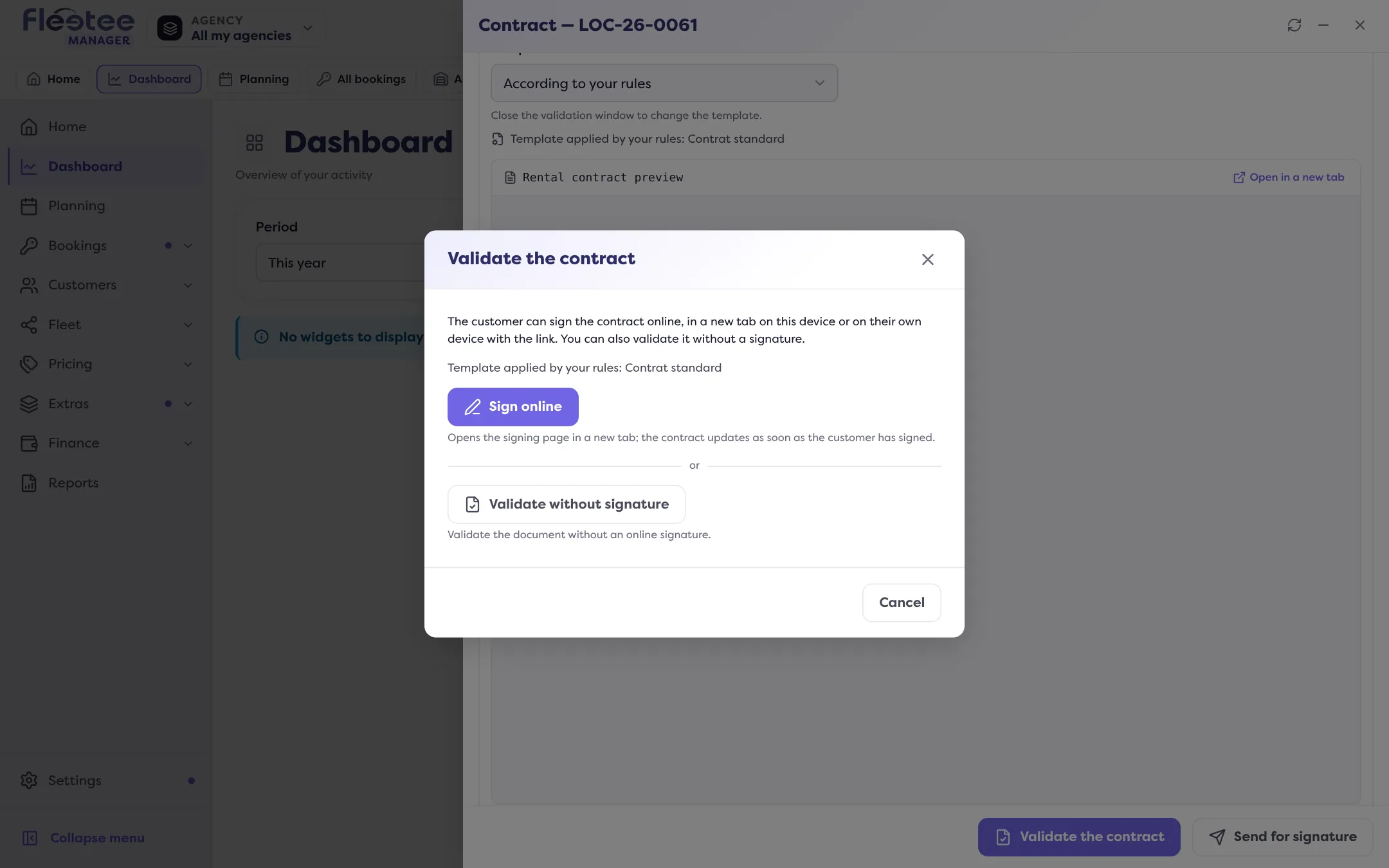
- “Sign online”: the signing page opens in a new tab, the customer signs on this device or their own;
- “Validate without signature”: you validate without an online signature.
Step by step: How do I generate the contract and get it signed?. For a signature on site: How do I get a document signed at the counter?.
Without doing anything
As long as the contract is not validated, Fleetee generates and validates it automatically when the rental starts, or when the customer signs it.
What you give up
Without a signature, you lack the dated proof of the customer’s agreement that an online signature gives. The activity feed on Home notes “Contract validated without signature”. An idea suggests remote signing when your last contracts were validated without a signature (What are the “An idea for you” suggestions?).
Where to find it: Rental page › Docs › “View the contract” › “Validate the contract” › “Validate without signature”
Where to find it: Rental page › Docs › “View the contract” › “Validate the contract” › “Validate without signature”
Go further
Updated on 18 November 2026 with version 3.0