

How do I turn an accepted quote into a booking?
- Manager v3
- Administrator
- Agency manager
- Rental agent
In short. On a pending quote, “Convert to a rental” turns it into a confirmed rental, with the same dates, customer and price. The rental gets its own reference, and an available vehicle if none was assigned.
The customer said yes, by e-mail, by phone or by signing online: you turn their quote into a booking. Nothing to retype.
Open the quote
In Bookings › Quotes, click a Pending quote. Only a pending quote can be converted.
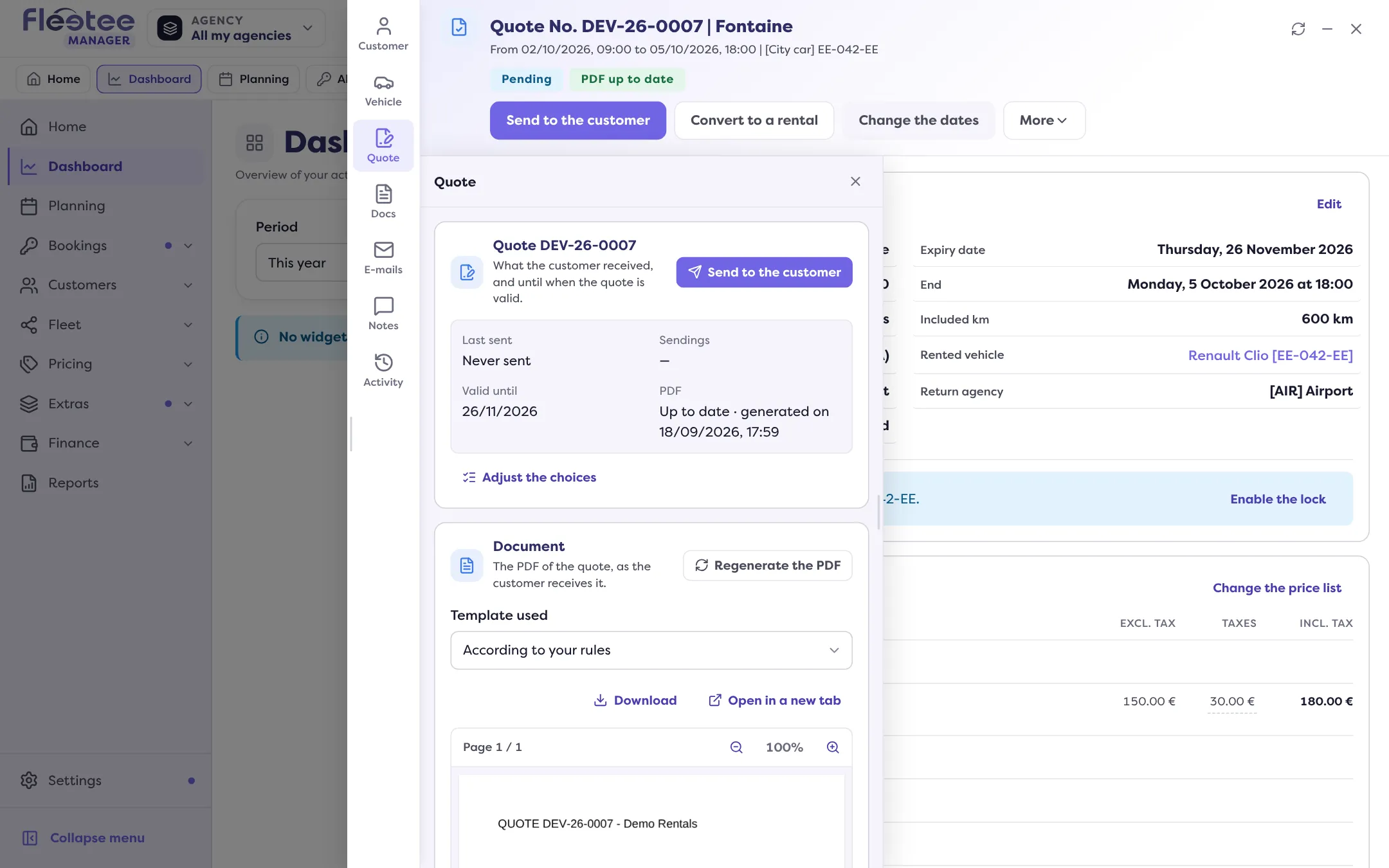
Click “Convert to a rental”
The “Convert to a rental” page opens: “This quote will become a confirmed rental.” Under “What will happen”, Fleetee reminds you that the quote becomes a confirmed rental with the same dates, customer and price; that it gets its own rental reference; and that, if no vehicle is assigned, an available vehicle is assigned.
Read the availability and the signature
- Vehicle availability: “The vehicle is available on the dates of the quote”, or “already booked on its dates. You will be able to convert after confirming.” If no vehicle is assigned, there is nothing to check.
- Signature: “The customer signed this quote online”, “The customer has not signed this quote. You can convert it anyway.” or, if the quote changed since the signature, “The customer’s signature no longer applies”. None of these notes blocks the conversion.
Click “Convert to a rental”
Fleetee announces “Quote converted to a rental”. The file becomes the rental’s, with its rental reference and the “Confirmed” status. If some options are short of stock, a “Not enough stock” message invites you to check.
If the vehicle is already taken
Depending on your company’s “Overbooking” rule, Fleetee asks you to confirm, or refuses. See Why does Fleetee warn me about an overbooking?.
After the conversion
- The quote is marked Validated in the quotes list, and the Activity notes “Quote converted to a rental”.
- If money is still owed, Fleetee may offer to record a payment.
- The contract is then prepared from the rental’s file: see How do I generate the contract and get it signed?.
When the button does nothing
“This quote no longer waits for an answer: it can no longer be converted.” The quote is already converted, cancelled, refused or expired. An expired quote is extended first (“Extend the quote”). A quote that is part of a group is converted with its group: see What does a booking group file show?.
Where to find it: Quote file › “Convert to a rental”
Where to find it: Quote file › “Convert to a rental”
Go further
Updated on 18 November 2026 with version 3.0