

Who can manage document templates, and are they required?
- Manager v3
- Administrator
- Agency manager
In short. No, templates are not required: Fleetee has a default template for every document. An administrator manages all templates; an agency manager those of their agencies; other roles have no access.
Templates are optional
Every document Fleetee prepares has a default template, provided by Fleetee: quote, confirmation, contract, amendment, inspection report, invoices, receipts, purchase order. It is read-only: you can preview it, not edit it. Until you create anything, your documents use it. A template is for giving your documents your own look: How do I brand my contracts, invoices and inspection reports?.
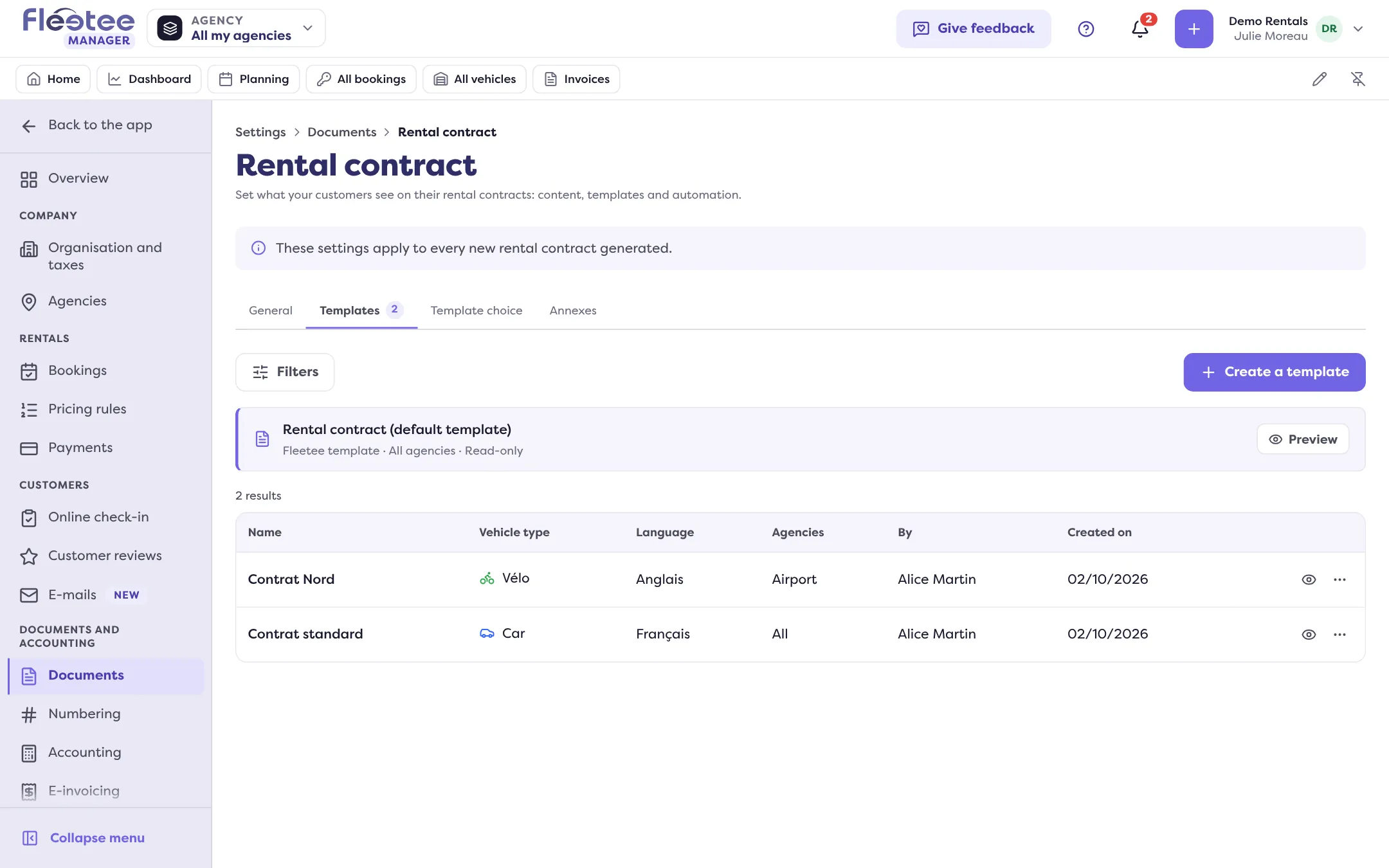
What prints on every invoice (payment terms, late-payment penalties, legal mentions) does not depend on a template: it is set in Settings › Documents › “Identity and mentions”.
Who can do what
| Role | Settings › Documents |
|---|---|
| Administrator | Everything: templates (for all agencies or one), rules, annexes, mentions, languages, automatic assignment, an annex’s file. |
| Agency manager | They see the page and manage the templates, rules, annexes and mentions limited to their agencies. Company-wide settings (terms, languages, a type’s automatic assignment…) are read-only for them. |
| Agent, accountant | No access to this page. The accountant only has access to document numbering. |
When a setting belongs to the whole company, the Manager says so: you change it with “All my agencies” in the agency selector.
Going further
- Choosing which template serves which case: How do I use a different document template per agency or case?.
- A template does not change an already issued document: Why isn’t my document template applied?.
Where to find it: Settings › Documents
Where to find it: Settings › Documents
Go further
Updated on 18 November 2026 with version 3.0