

How do I return a deposit?
- Manager v3
- Administrator
- Agency manager
- Rental agent
- 1:02
In short. Open the rental, then Pricing & payments › Deposit › “Release”. With Stripe, Swikly or PayZen, Fleetee asks the platform to release it. Otherwise, you record how you gave it back.
Open the rental page
In Pricing & payments, the Deposit block shows the amount, the status, the platform or method, when it was taken, the reference, when the hold ends and the movements.
In the Deposit block, click “Release”
The “Release the deposit” panel opens. What it asks for depends on how the deposit was taken.
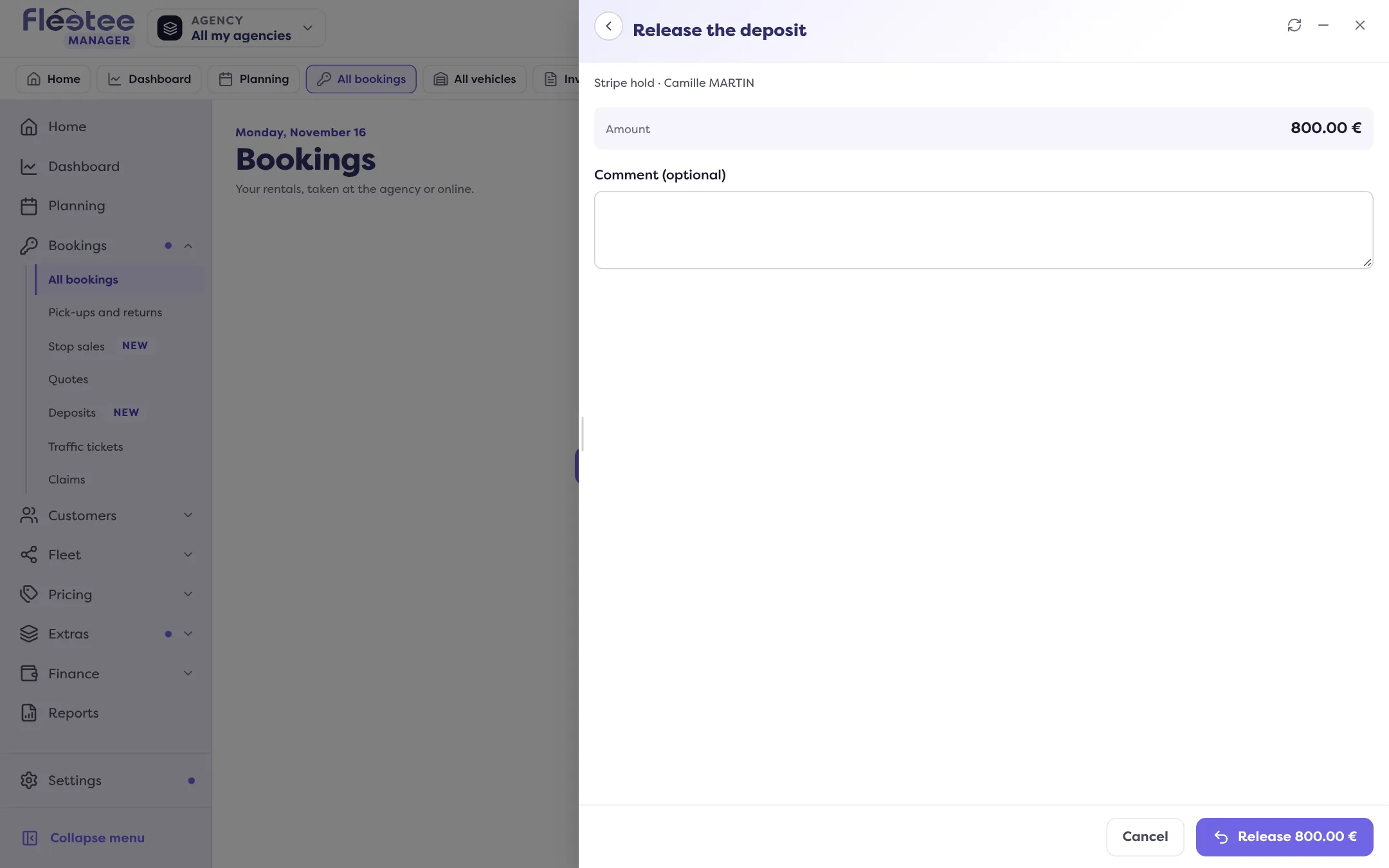
Fill in the panel, then confirm
With a platform, a comment is enough. Without one, you give the release method and the date; the proof is optional.
With a platform
If the deposit was taken with Stripe, Swikly or PayZen, Fleetee asks the platform to release it and waits for its answer. The same goes for Gando on a deposit in euros. You can add a comment.
If Fleetee cannot release the deposit at the platform itself, the only method offered is “Released at …” followed by the platform’s name: you release it there, then declare it here.
The “Synchronise” button of the Deposit block reads the deposit’s status from the platform again at any time.
Without a platform
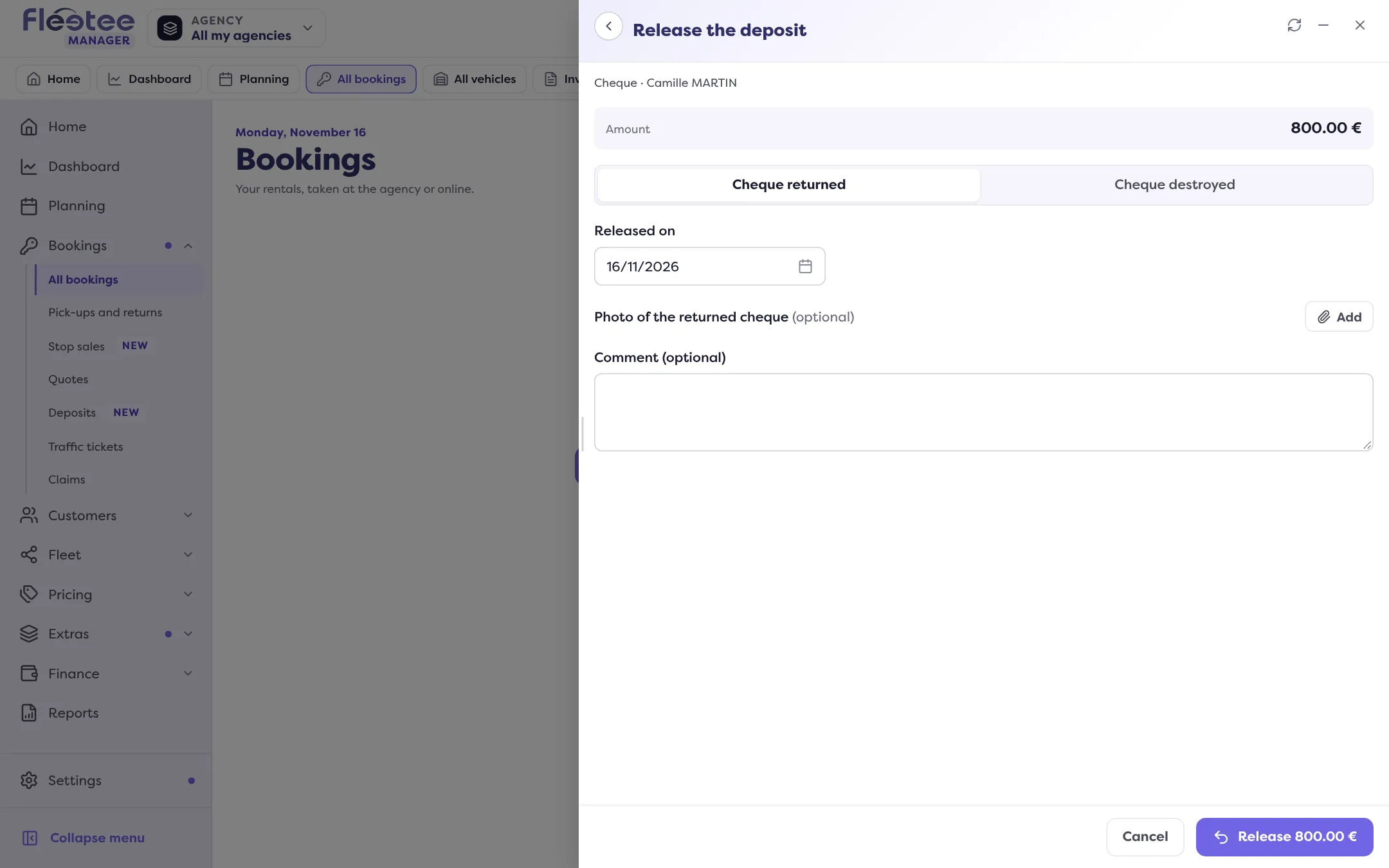
For a deposit taken outside a platform, you record how you gave it back. The methods offered depend on how it was taken (the first one is the default):
| Deposit taken by | Release methods offered |
|---|---|
| Cash | Cash returned, Transfer |
| Cheque (whatever its type) | Cheque returned, Cheque destroyed |
| Bank imprint | Hold released on the card terminal |
| Bank transfer | Transfer |
| Card or payment terminal | Refund to the card, Transfer |
| Any other method | Cash returned, Transfer, Cheque returned |
Enter the date. The proof is optional: you can add up to ten files (PDF, PNG or JPEG, 10 MB at most each), for example a photo of the returned cheque or the terminal receipt.
What happens next?
Every action produces its document: the return certificate is attached to its movement, in the Movements of the Deposit block, ready to hand to the customer.
Want to keep part of the deposit for charges? Read Withhold from a deposit.
Where to find it: Rental page › Pricing & payments › Deposit › “Release”
Go further
Updated on 18 November 2026 with version 3.0