

Where is my old screen in v3?
- Manager v3
- Administrator
- Agency manager
- Rental agent
- Accountant
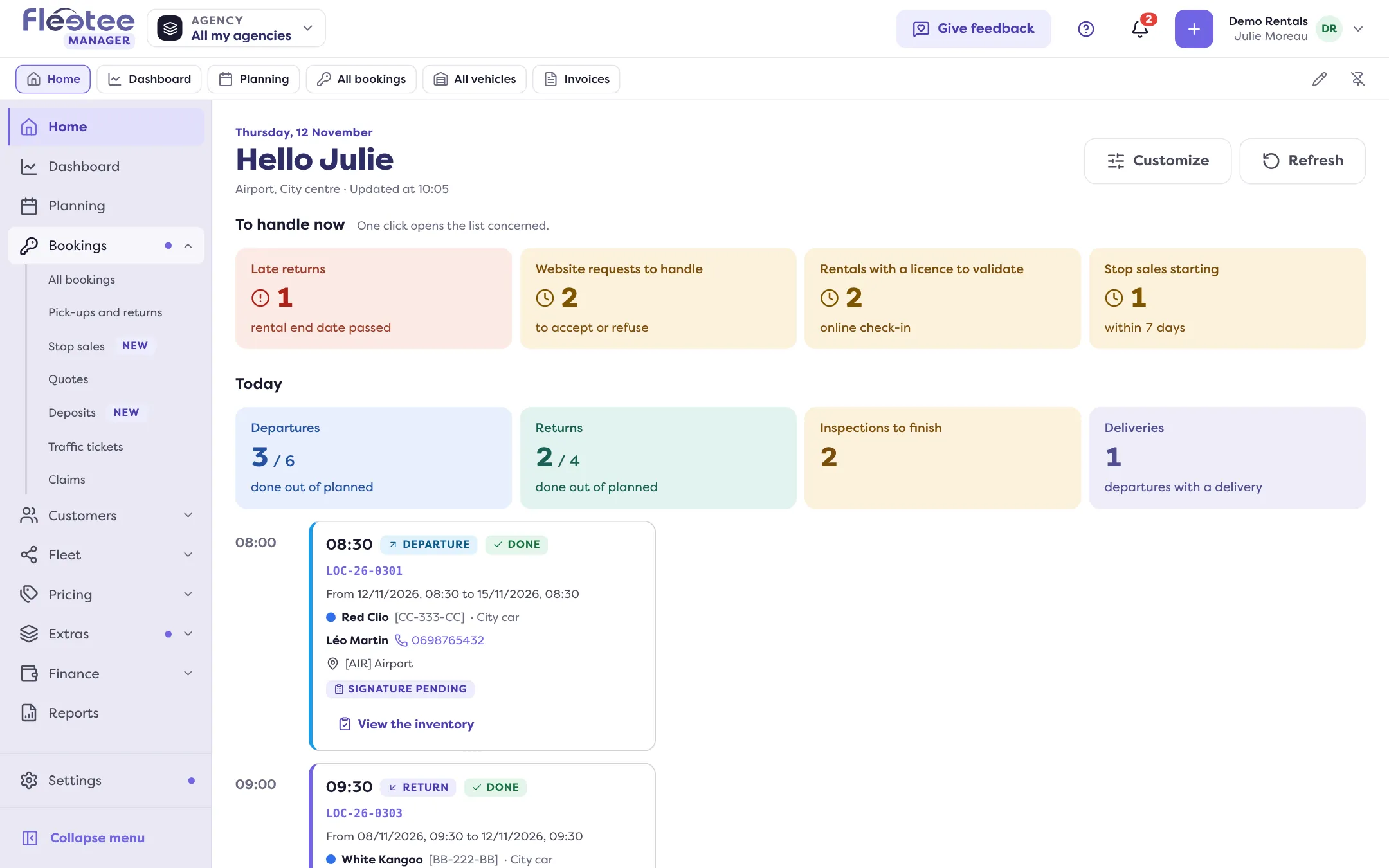
In short. Every screen of the previous version has a place in the Manager v3 menu, often under a similar name. This list gives, screen by screen, the path to follow, from Bookings to Settings, then the Fleetee Account.
On each line, the old screen is on the left and its place in v3 on the right. You can also use the search at the top of the screen.
Day to day
- Getting started → Home (progress, “Show me”)
- Dashboard → Dashboard
- Booking planning → Planning
- Bookings list → Bookings › All bookings
- Pick-ups and returns planning → Bookings › Pick-ups and returns
- Quotes → Bookings › Quotes
- Traffic tickets → Bookings › Traffic tickets
- Claims → Bookings › Claims
Customers
- Customers → Customers › All customers
- Customer reviews → Customers › Customer reviews
- Sent e-mails → Customers › E-mails
Fleet
- Assets → Fleet › All vehicles (or the word of your trade)
- Inspection reports → Fleet › Inspection reports
- Work orders and Issue reports → Fleet › Maintenance (tabs “Work orders” and “Issue reports”)
- Asset types and Categories → Fleet › Categories
Pricing and extras
- Prices by category → Pricing › Prices
- Pricing groups → Pricing › Prices › Price lists
- Season calendar → Pricing › Seasons
- Forfaits (fixed-price rate packages) → Pricing › Rate packages
- Discount codes → Pricing › Discount codes
- Options, Packages (option bundles), Mileage, Deductibles → Extras (same sections; “Deductibles and deposits”)
- Return and cancellation fees → Extras › Other fees
Finance and reports
- Invoices, Payments, Products → Finance › Invoices, Payments, Products
- Purchase orders and Suppliers → Finance › Purchase orders (tabs “Purchase orders” and “Suppliers”)
- Exports → Reports
Settings
- Admin › Settings → Settings (at the bottom of the menu)
- Admin › Agency list → Settings › Agencies
- Admin › Documents → Settings › Documents
- Accounting › Settings → Settings › Accounting
- E-invoicing → Settings › E-invoicing
- Booking settings › Reviews → Settings › Customer reviews
- Booking site settings → Settings › Booking site (opens in Fleetee Web)
The invoicing mode, currency, taxes and time zone of the company are in Settings › Organisation and taxes. See How do I set up my company?.
Fleetee Account, website and trash
- Admin › Users, Subscription, Company → Fleetee Account: account menu › “My account”
- Website → Website (at the bottom of the menu)
- Trash → “Undo” right after a deletion, or the Trash page of the account menu
Several screens are new and have no old equivalent: Stop sales, Deposits, Sources to check, Inbox, Tasks, Prospects, Segments, Stocks and Profitability. See What changes with Fleetee Manager v3?.
Was this article helpful?
Go further
Updated on 18 November 2026 with version 3.0