

What changes with Fleetee Manager v3?
- Manager v3
- Administrator
- Agency manager
- Rental agent
- Accountant
In short. Manager v3 keeps your account and your data: nothing to retype. It changes the Home page, the menu, the Settings and the My account space, and adds new screens. You can go back to the previous version at any time.
What does not change
Fleetee Manager v3 is the new version of the interface. It is the same account and the same data: you retype nothing, neither your vehicles, nor your customers, nor your rentals.
What changes
A guided arrival
The old “Getting started” screen is replaced by the Home page. The first time you sign in, Fleetee asks where you are with renting, then shows your progress and your next step. See Which steps should I follow to get started with Fleetee?.
A reorganised menu
The menu gathers your screens by job:
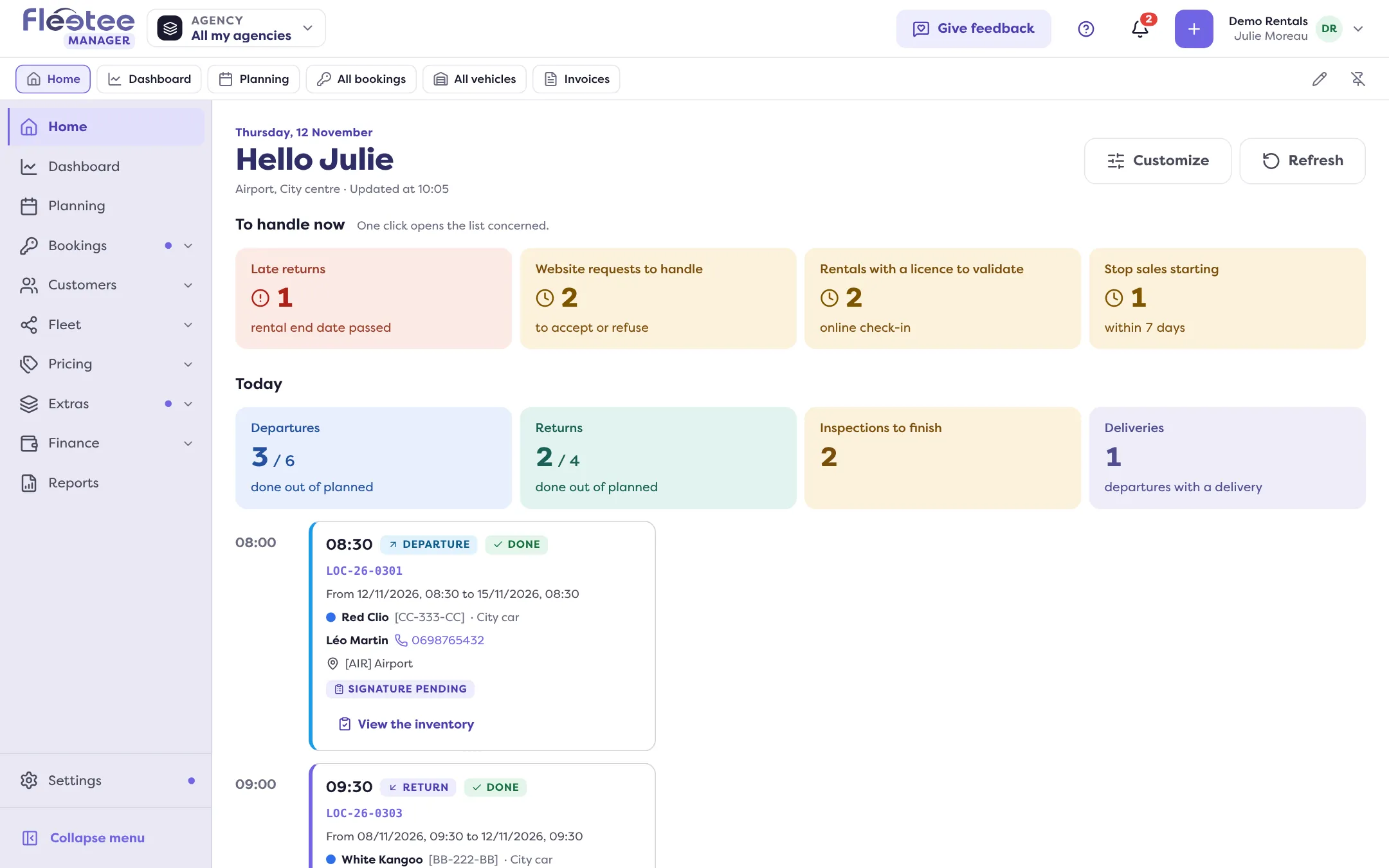
- Home, Dashboard and Planning;
- Bookings: All bookings, Pick-ups and returns, Stop sales, Quotes, Deposits, Traffic tickets, Claims, and Sources to check for companies linked to Fleetee Channels;
- Customers: All customers, Customer reviews, E-mails, Inbox, Tasks, Prospects, Segments;
- Fleet: All vehicles, Inspection reports, Maintenance, Categories;
- Pricing: Prices, Seasons, Rate packages, Discount codes;
- Extras: Options, Stocks, Packages, Mileage, Deductibles and deposits, Other fees;
- Finance: Invoices, Payments, Purchase orders, Profitability, Products;
- Reports, then Settings and Website at the bottom of the menu.
If you are looking for a screen of the previous version, read Where is my old screen in v3?.
New screens
Several screens had no equivalent in the previous version and carry the “New” mark in the menu: Stop sales, Deposits, Sources to check, Inbox, Tasks, Prospects, Segments and Stocks. Profitability by vehicle is new too.
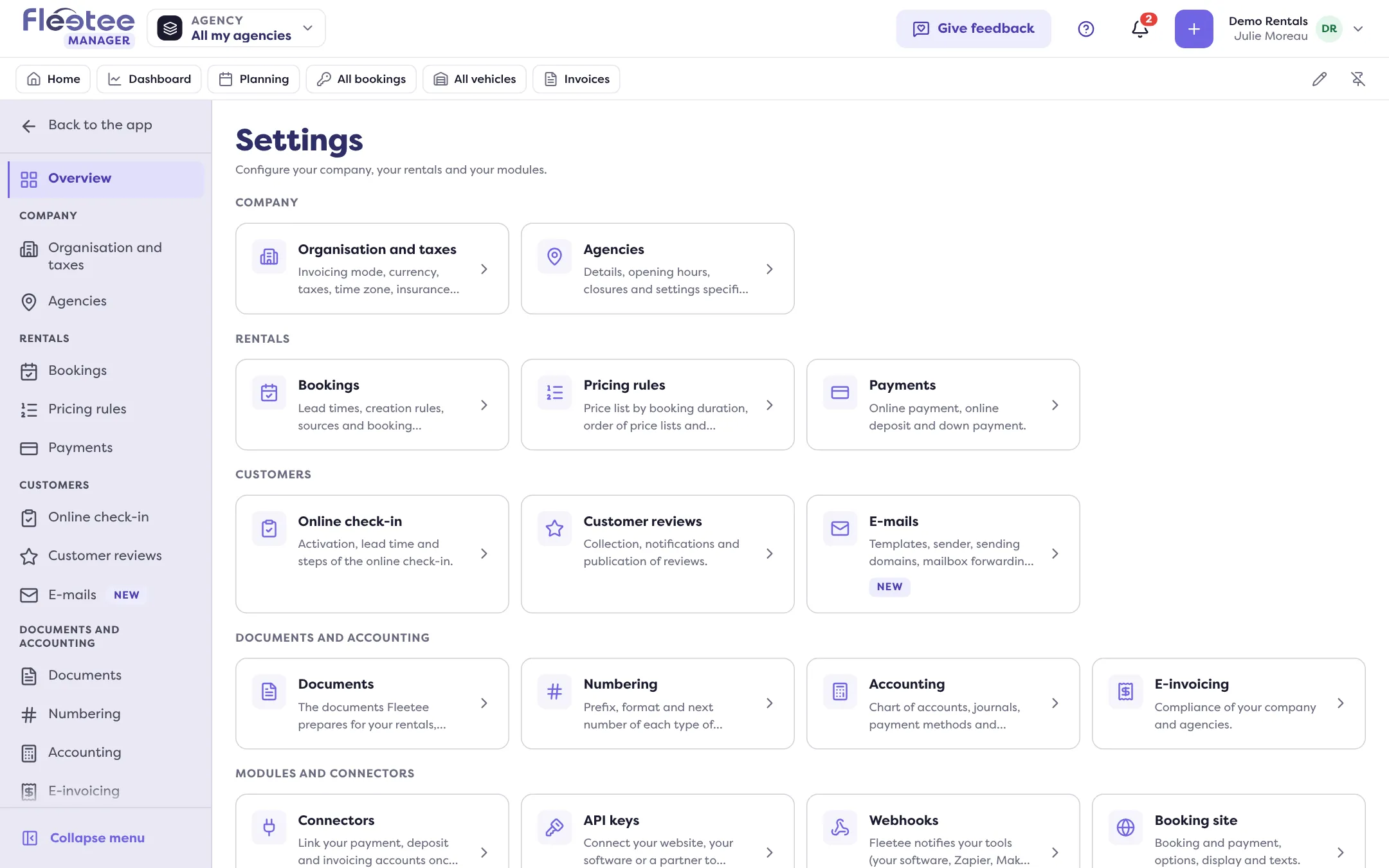
All Settings in one place
The Settings page gathers the settings by section: Company, Rentals, Customers, Documents and accounting, Modules and connectors. The booking site settings open in Fleetee Web.
My account
Your users, their roles, your subscription and your security are managed in the Fleetee Account: account menu › “My account”.
Made to your taste
In the account menu, “Theme” offers Light, Dark or Auto, and “Language” changes the language of the interface. An accidental deletion can be undone with “Undo” right after, or from the Trash.
Going back, giving your opinion
- The account menu offers “Back to the old version”, at any time.
- The “Give feedback” button, at the top of every screen, sends your remarks to the Fleetee team.
Fleetee opens Manager v3 to companies one by one. If yours is not on it yet, ask Fleetee.
Go further
Updated on 18 November 2026 with version 3.0