

How do I change the language and the word used for my vehicles?
- Manager v3
- Administrator
- Agency manager
- Rental agent
- Accountant
In short. Choose the language in your account menu, “Language” row: Français or English. The word “vehicle” adapts by itself to what your company rents (bike, boat, equipment…): there is nothing to set.
Two things work differently: the language of the screen, which you choose, and the word for what you rent, which Fleetee chooses for you.
Change the language
Open your account menu
Click your profile, top right.
Choose the language
Under “Language”, click Français or English. The current language carries a tick.
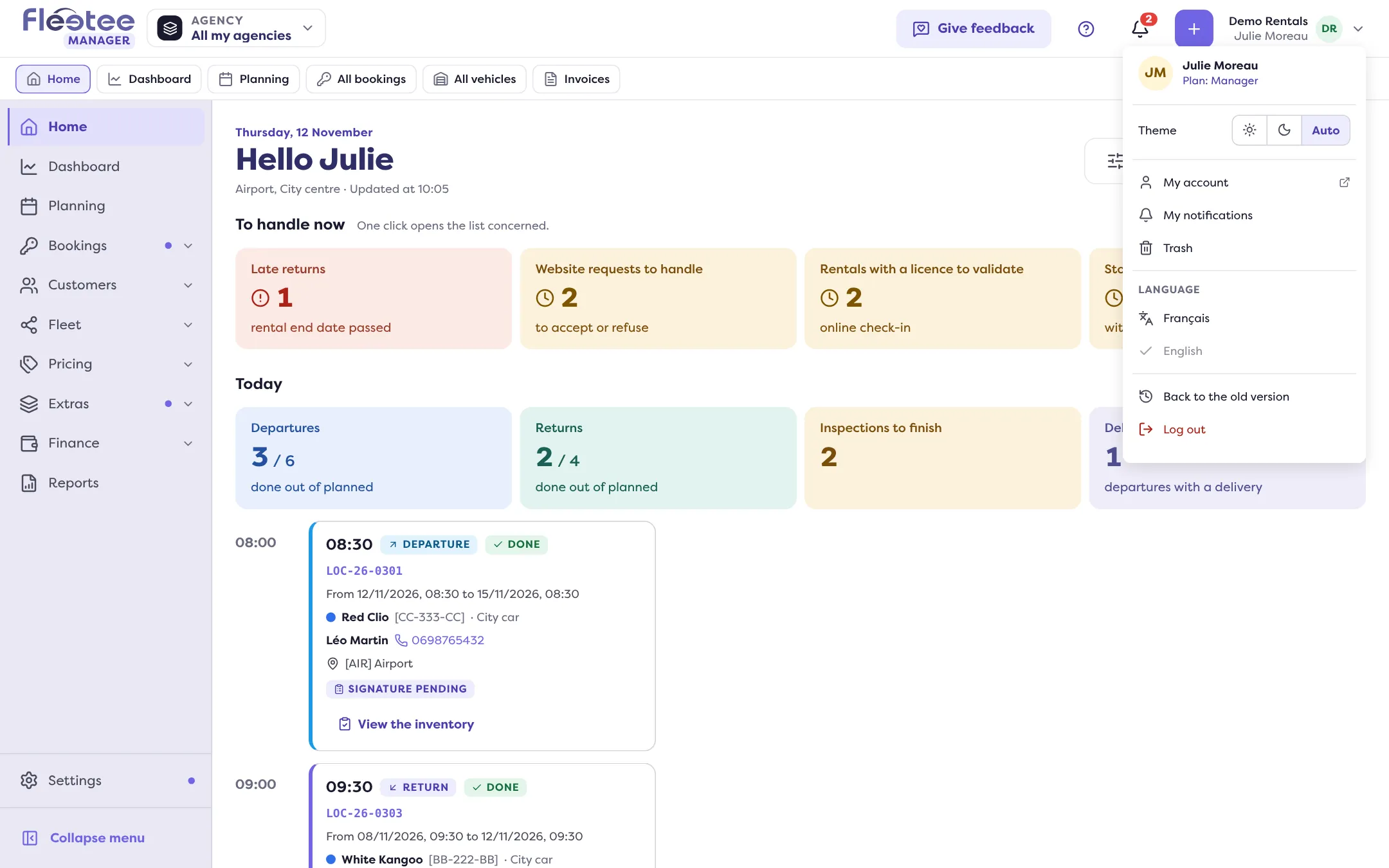
The whole Manager switches to the chosen language. It does not change the language of your documents or customer e-mails: see How do I issue my documents in English?.
The word for your vehicles
The Manager does not always say “vehicle”. Fleetee picks the word from what your company rents: vehicle, bike, two-wheeler, boat or item (in French: véhicule, vélo, deux-roues, bateau, matériel). It shows everywhere: menus, lists, titles, messages. A company that rents bikes reads “All bikes”, not “All vehicles”.
There is nothing to set. When what you rent changes, for example when you add another type, the word follows. If the word shown does not suit you, write to support from the Help menu.
Where to find it: Account menu › Language
Where to find it: Account menu › Language
Go further
Updated on 18 November 2026 with version 3.0