

How do I create a rental by pasting the customer’s request?
- Manager v3
- Administrator
- Agency manager
- Rental agent
- 1:02
In short. In “Create a rental”, choose “Paste a request” and paste the customer’s message. Fleetee reads it and fills in the rental; you check before creating it.
A customer writes to you to book? Instead of copying their details, paste their request: Fleetee reads it and prepares the rental.
Paste a request
Click “Create a rental”
The button is in All rentals, in the Planning and on the customer page.
Choose “Paste a request”
Paste the text of the customer’s request, for example their e-mail.
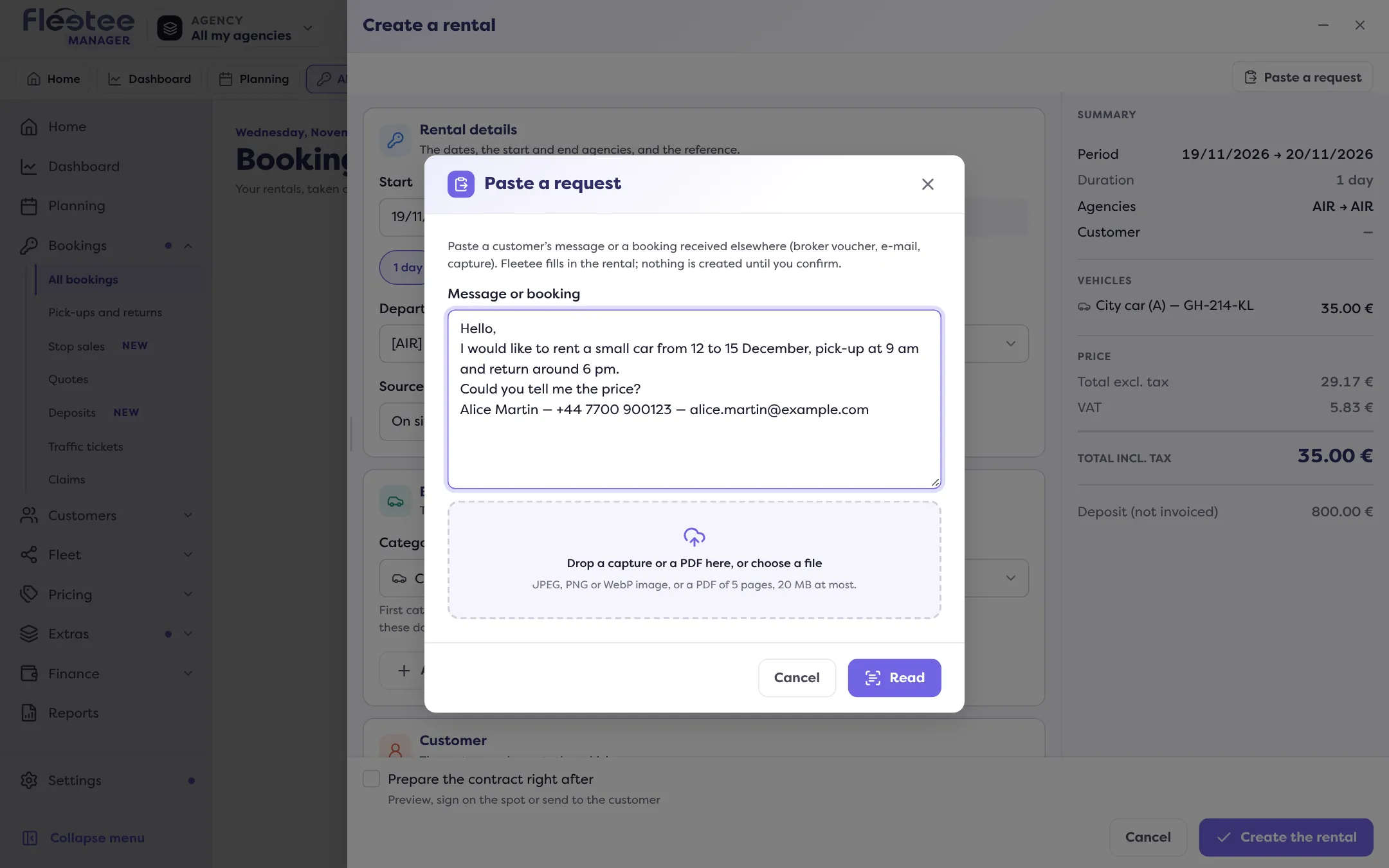
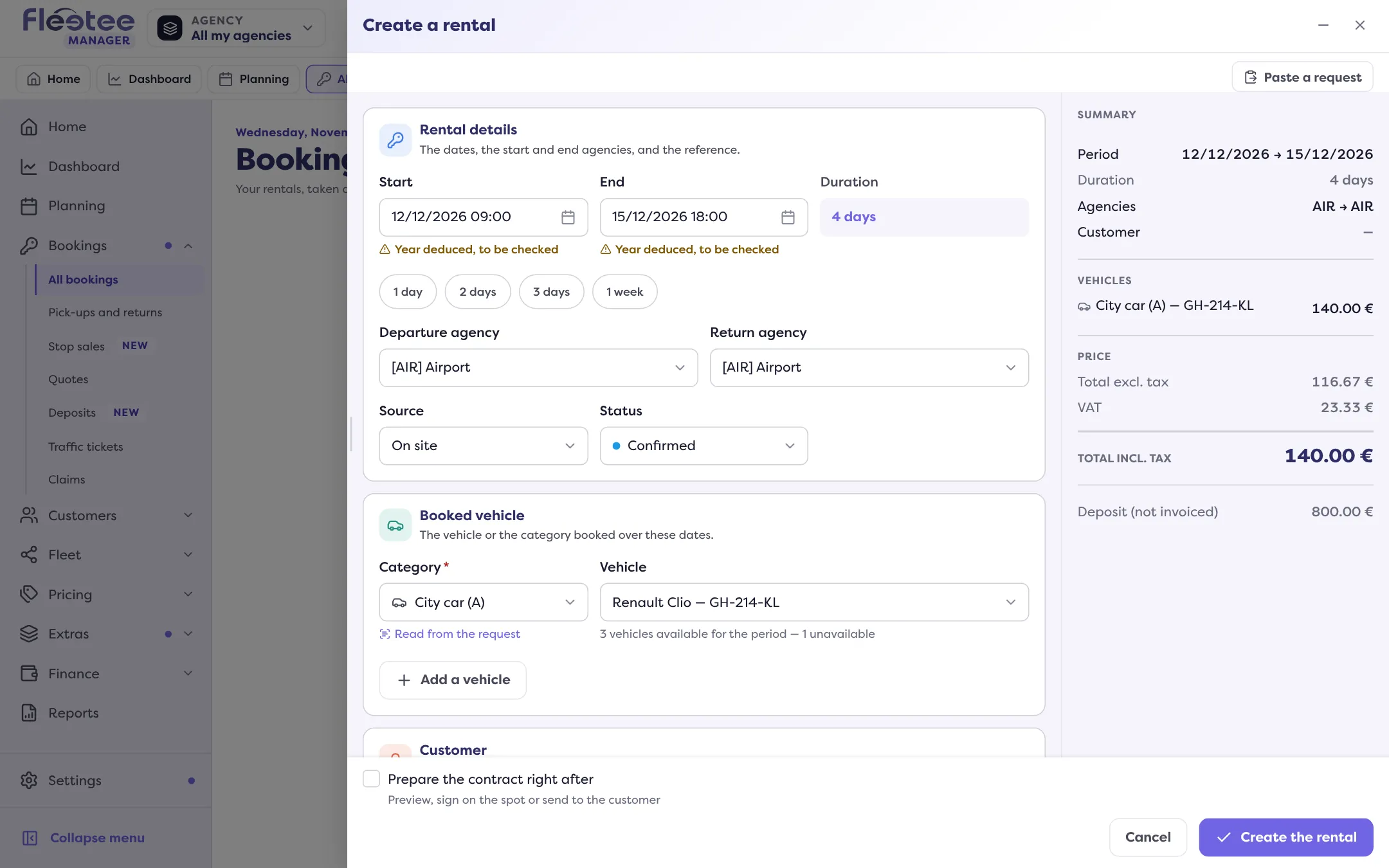
Check what Fleetee filled in
Read through the information taken from the request and complete what is missing.
Create the rental
Once everything is checked, finish the creation: the rental shows up in All rentals.
Reading a request uses AI credits, included in your plan every month; it is free during the free trial. When they are used up: “Your reading credits are spent: enter the rental by hand, or top up your credits.” See What are AI credits and how do I buy more?.
Nothing is created without your action: reading the request prepares the rental, and you are the one who confirms it.
Where to find it: “Create a rental” › “Paste a request”
Go further
Updated on 18 November 2026 with version 3.0