

How do I change currency or invoice in another currency?
- Manager v3
- Administrator
In short. Settings › Organisation and taxes: the “Currency” card changes the company currency (without converting amounts already entered), the “Secondary currencies” card accepts others, converted at a daily or fixed rate. Administrator.
Two different settings, in Settings › Organisation and taxes (reserved for the administrator).
Change the company currency
The “Currency” card sets “the currency of your prices, invoices and documents”. Choose the Company currency in the list (“Search for a currency”): its symbol shows on all your screens and documents.
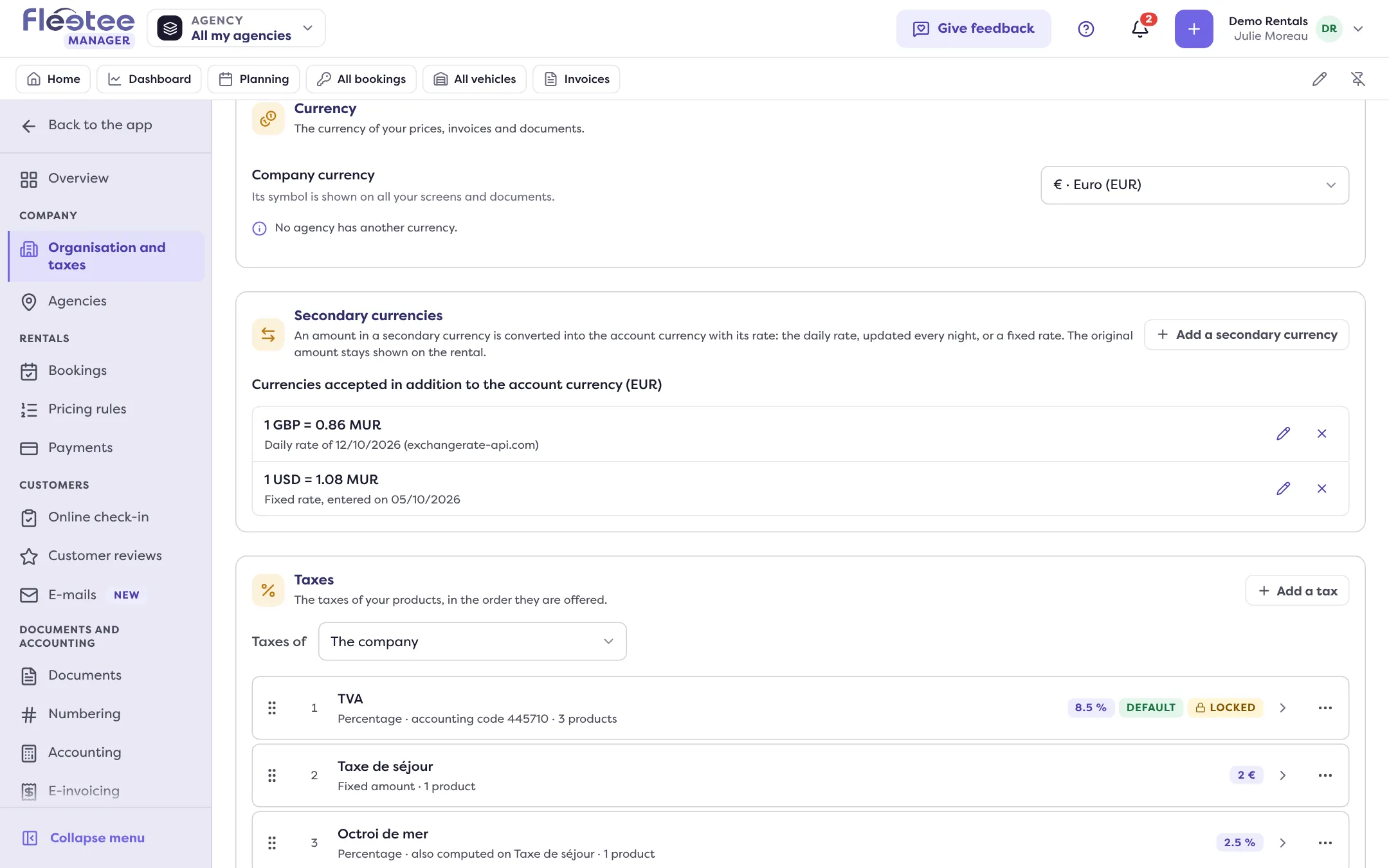
Amounts already saved are not converted: a price of 100 EUR will show as 100 of the new currency. Review your prices and taxes after the change.
An agency that has another currency keeps it: the panel says so (“N agencies have another currency”). See also How do I invoice when I have several agencies?.
Accept amounts in another currency
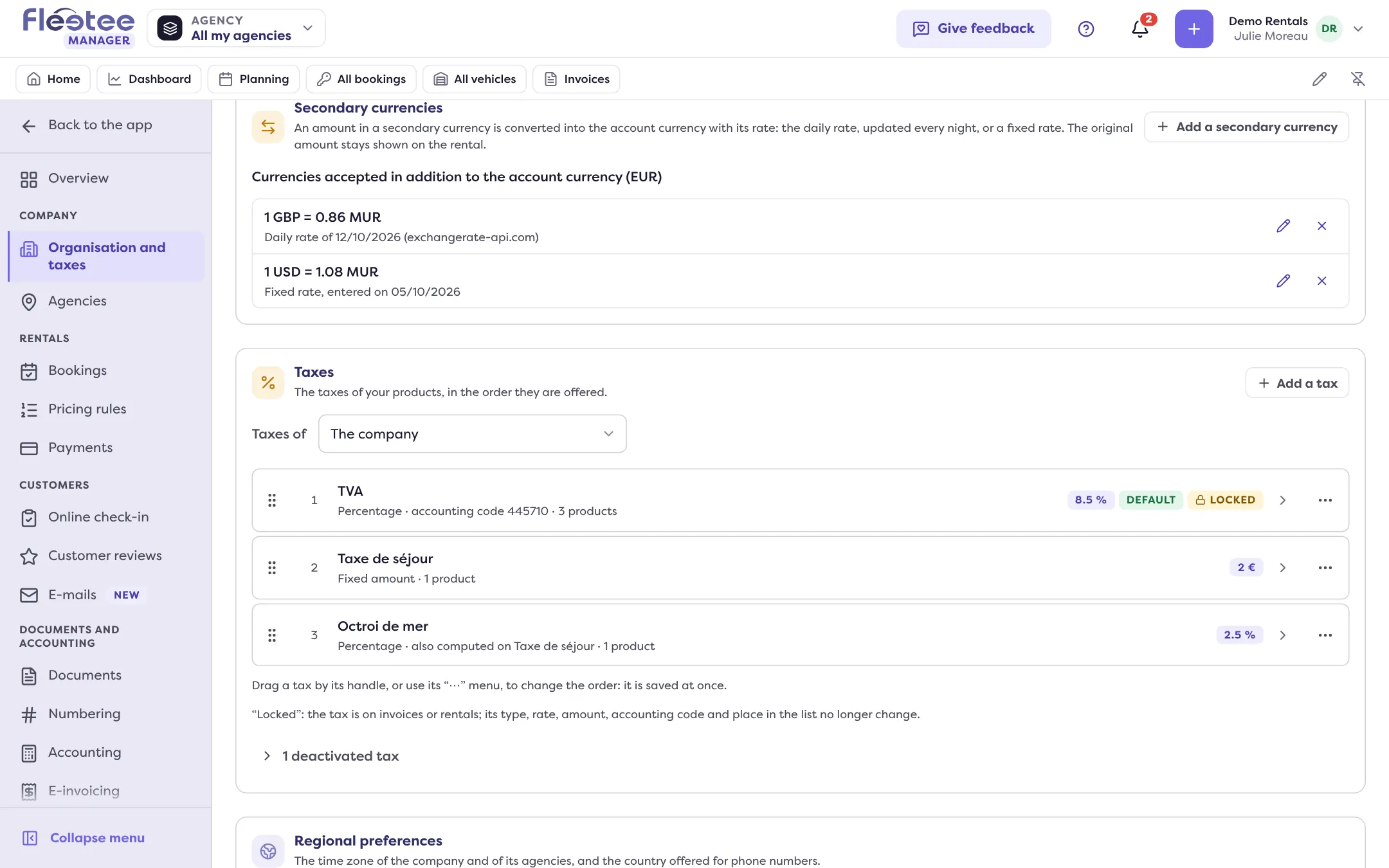
The “Secondary currencies” card lists the “currencies accepted in addition to the account currency”. An amount received in a secondary currency is converted into the account currency with its rate; the original amount stays shown on the booking. Fleetee, its dashboards and its invoices stay in the company currency.
Click “Add a secondary currency”
Choose the Currency.
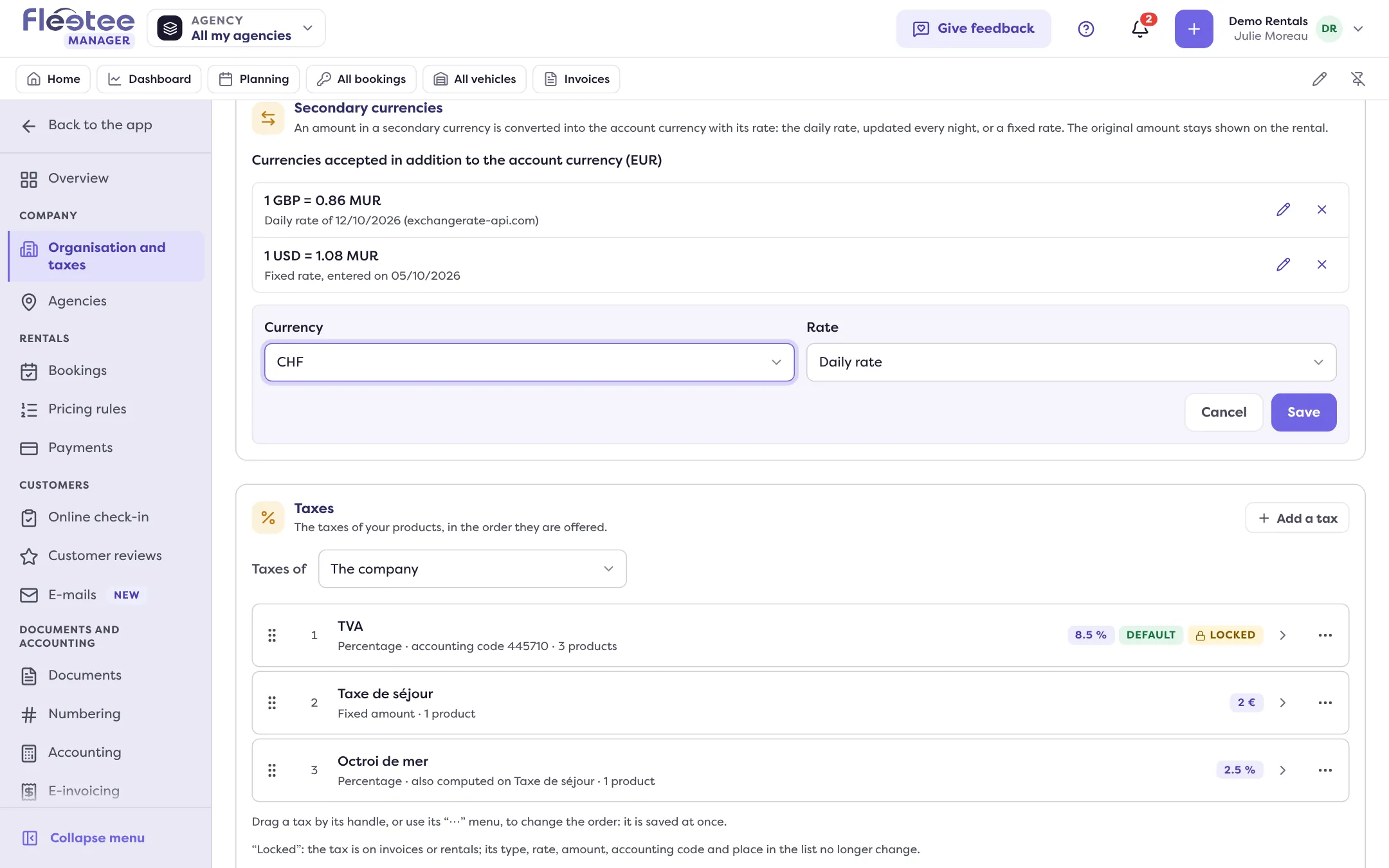
Choose the Rate
“Daily rate” (updated every night) or “Fixed rate”: enter “1 EUR = ? …”.
Click “Save”
“Currency … saved: …”. “Edit” and “Remove” are in the list.
A daily rate not updated for more than 3 days is no longer used: “amounts in this currency cannot be converted”. “Switch to a fixed rate” fixes it. With no usable rate, Fleetee never converts silently: a booking received from a channel or the API in that currency is not created.
Where to find it: Settings › Organisation and taxes › “Currency” and “Secondary currencies”
Where to find it: Settings › Organisation and taxes › “Currency” and “Secondary currencies”