

How do I record a purchase, a purchase order or a supplier?
- Manager v3
- Administrator
- Agency manager
In short. In Finance › Purchase orders, three tabs: Purchases, Purchase orders and Suppliers. Create the supplier first, then “Add a purchase order” or “Add a purchase”; “Turn into a purchase” converts an order.
The Finance › Purchase orders page gathers what you buy from your suppliers, on three tabs: “Purchases”, “Purchase orders” and “Suppliers”. It is open to the administrator and the agency manager. A purchase order and a purchase are one and the same record that carries two references and two statuses.
1. Create the supplier
“Suppliers” tab, “Add a supplier”: Company name, Supplier code, SIREN, Email, Phone, Address, Postcode, City and Payment terms. You can also create it from a purchase form (“Create a supplier”). “Add a comment” keeps a note on the record.
2. Create a purchase order or a purchase
Click “Add a purchase order” or “Add a purchase”
The button follows the open tab.
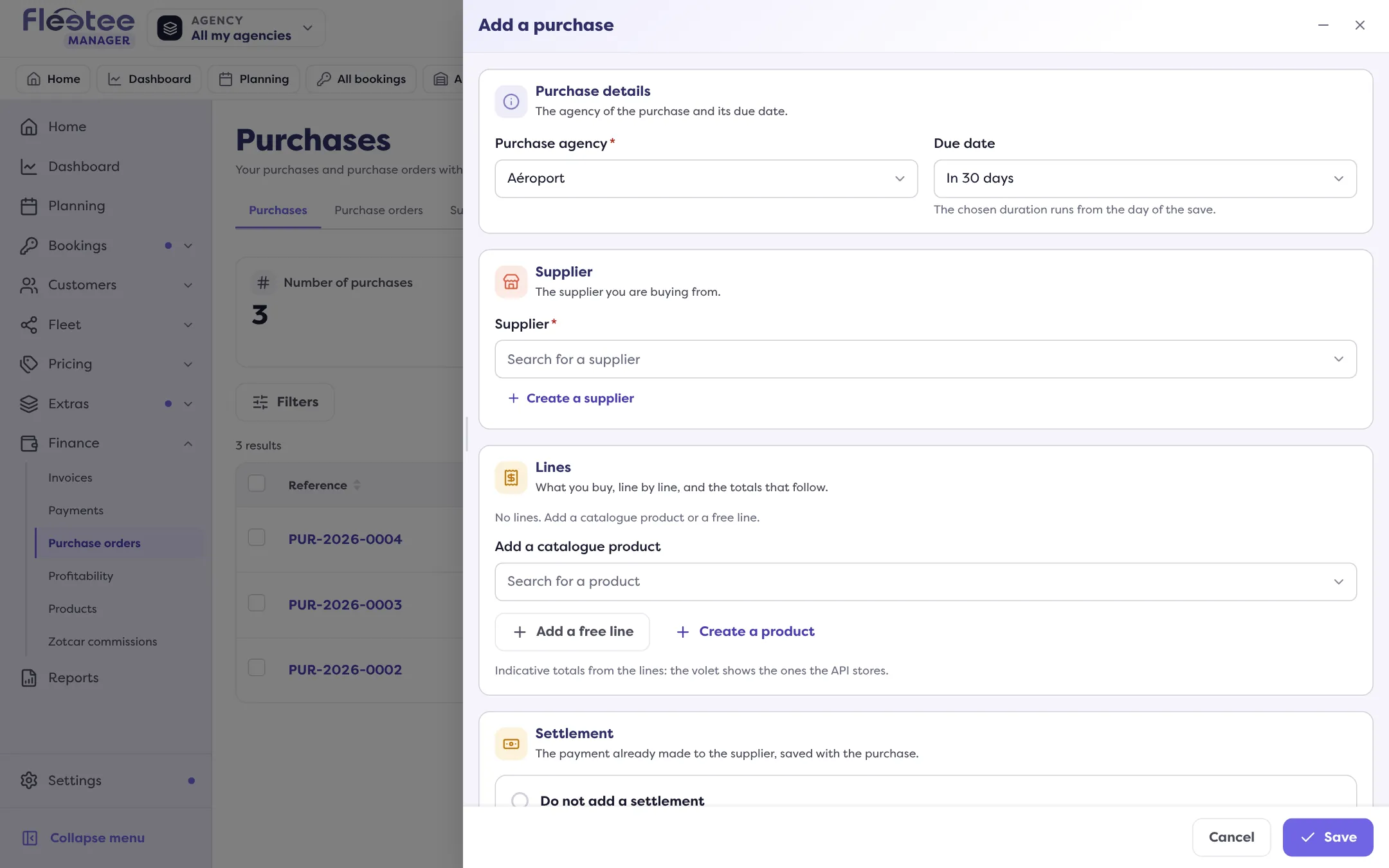
Fill in the header
The agency (fixed to the agency chosen at the top of the screen), the Due date and the Supplier.
Add the lines
“Add a catalogue product” (see What is a billable product and how do I add one?) or “Add a free line”. A vehicle can be linked to a line; set quantity, price and tax.
Add terms and payment
Terms and remarks; for a purchase, “Add a settlement linked to this purchase” records it at the same time.
Save
The purchase order preview updates as you type.
3. Follow up
- Purchase order: statuses “Pending”, “Sent”, “Purchase” (turned into a purchase) and “Cancelled”. “Send to the supplier” sends an e-mail with the PDF.
- “Turn into a purchase”: same supplier, same lines; you choose the purchase’s status, attach the supplier’s invoice if you have it, and record a payment already made. This step cannot be undone: the purchase order can no longer be edited or cancelled.
- Purchase: statuses “Pending”, “Validated”, “Paid” and “Cancelled”. “Add an invoice” attaches the invoice received; “Add a payment” records what you paid.
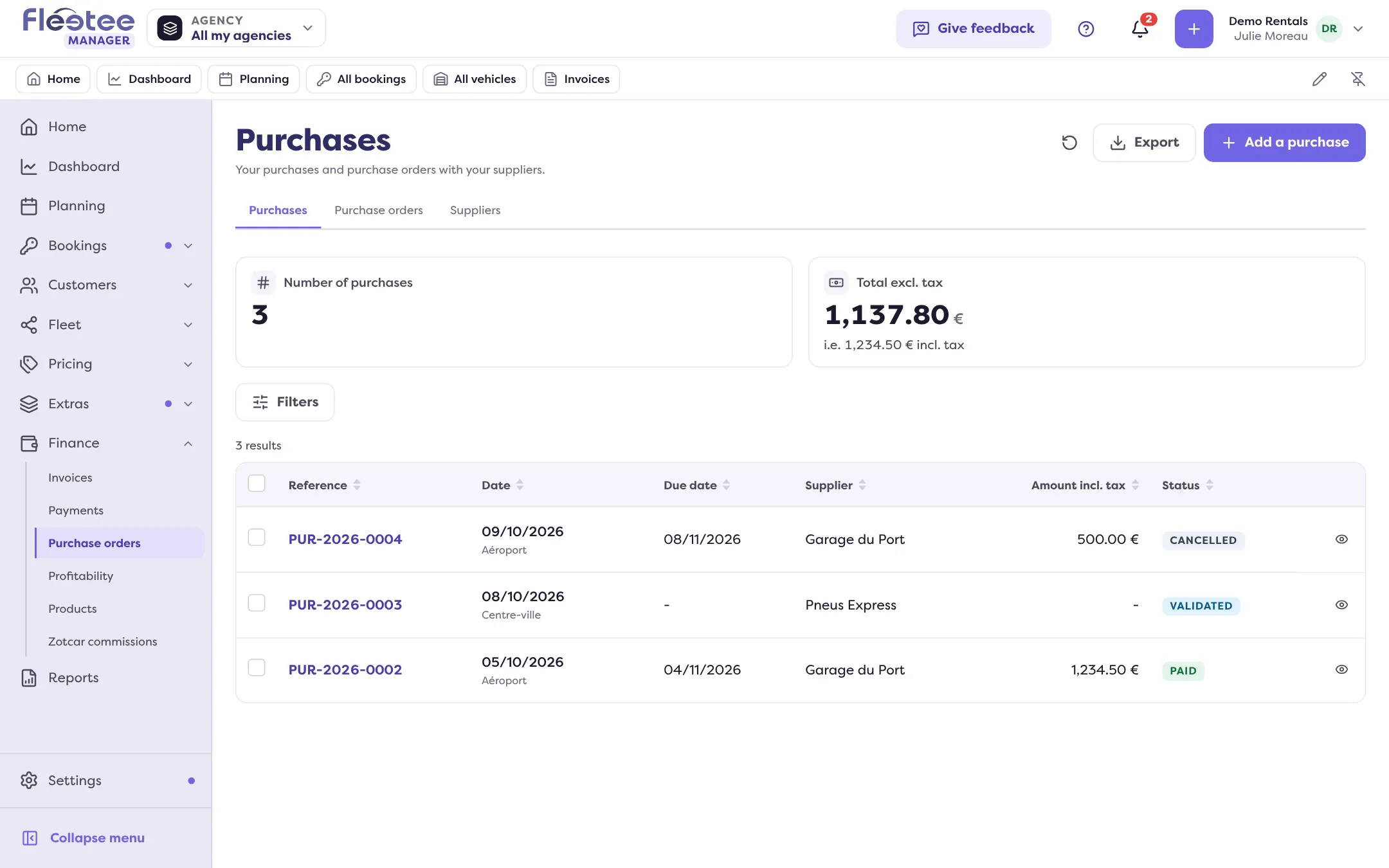
Where to find it: Finance › Purchase orders › “Add a supplier” / “Add a purchase order” / “Add a purchase”
Where to find it: Finance › Purchase orders › “Add a supplier” / “Add a purchase order” / “Add a purchase”
Go further
Updated on 18 November 2026 with version 3.0