

How do I create a down payment invoice?
- Manager v3
- Administrator
- Agency manager
In short. In the rental’s Invoices panel, click “Create a down payment invoice”: start from the payments already received or type a free amount, collect if needed, check the preview, then “Create the invoice”. Possible while there is no rental invoice.
This is reserved to the administrator and the agency managers. With another role, ask one of them to do it.
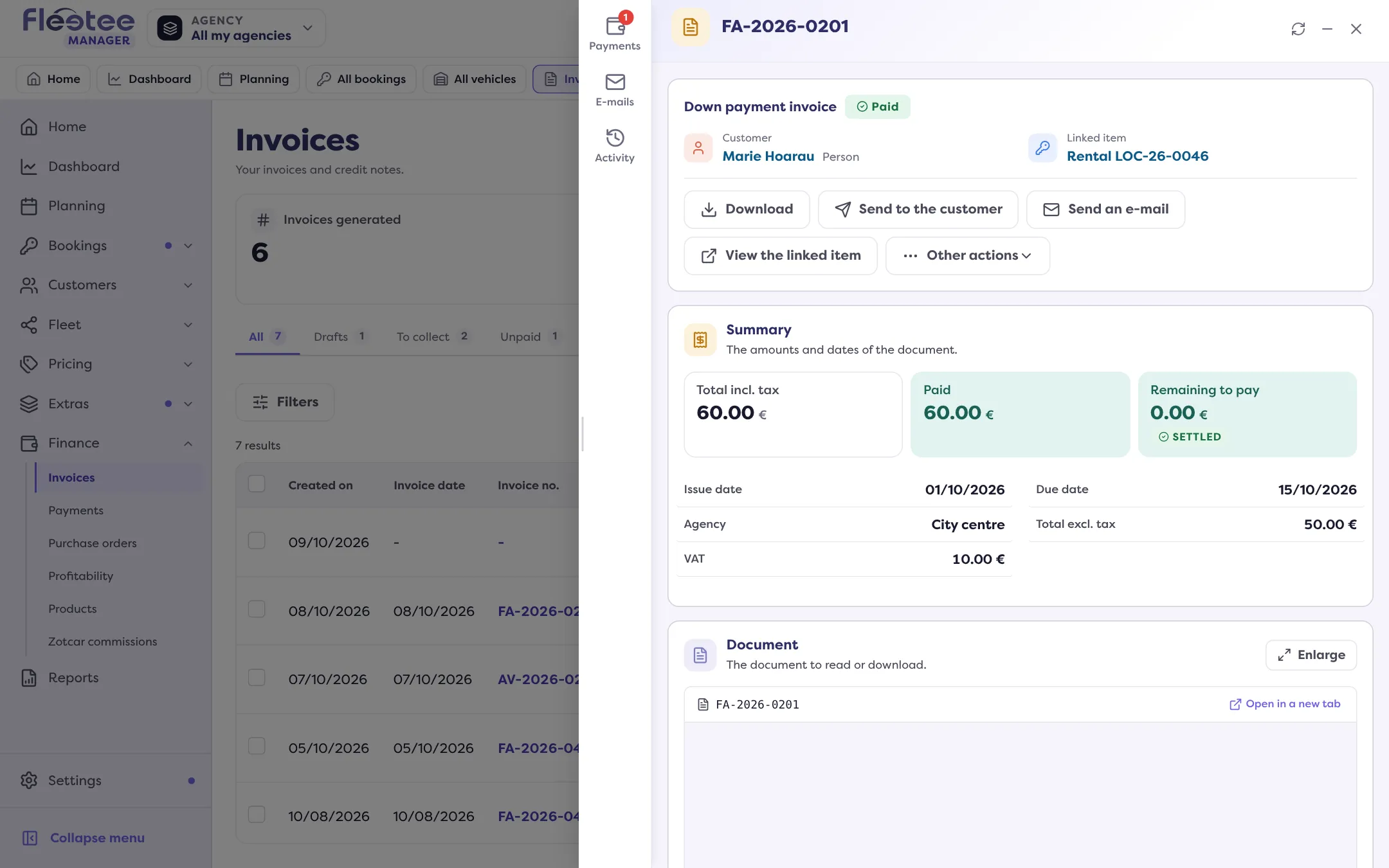
A down payment invoice gives a receipt to a customer who paid a sum before the rental invoice.
When the button is offered
“Create a down payment invoice” appears in the Invoices panel as long as:
- the rental has no rental invoice yet;
- it carries no cancellation fees.
It is never offered on a quote. You also find it in the Actions menu of a payment of the rental: “Create a down payment invoice”.
Open the rental page, Invoices panel
Click “Create a down payment invoice”. The “Invoice a down payment” panel opens, in three steps: Amount, Payment, Preview.
Amount step: where does the down payment come from?
If a payment is already recorded on the rental, choose “From recorded payments” (tick in “Payments to invoice” those the invoice must cover) or “Free amount”. The invoice is then made out to the customer who made the payment. With a free amount, enter the “Down payment amount”: at most what is left to invoice on the rental. The “Suggested down payment (…)” button takes the suggested amount.
Payment step: collect, or not
The panel recalls “Down payment invoice of …: you can collect all or part of it now.” Choose a payment or move on.
Preview step: check
Set the due date, the invoiced customer (locked on the paying customer if a payment is entered), the template (“Default” or one of yours) and optional specific conditions. Read the preview: a validated invoice can no longer be changed.
Click “Create the invoice”
Message: “Down payment invoice created”. To keep it as a draft, click “Save the draft”.
If mandatory information is missing for e-invoicing, the invoice is saved as a draft: read Validate an invoice and send it.
Create it automatically
In Settings › Payments, Down payment of the rentals card, the “Create the down payment invoice automatically” switch creates a down payment invoice for each down payment received. Read Ask for a down payment at booking.
Where to find it: Rental page › Invoices › “Create a down payment invoice”
Where to find it: Rental page › Invoices › “Create a down payment invoice”