

Why does a credit note look like its invoice?
- Manager v3
- Administrator
- Agency manager
In short. A credit note reproduces the invoice it settles: the template is never a choice and no template is offered. Payment terms, late terms, invoice conditions and bank details never appear on it.
A credit note has no layout of its own: it reuses the layout of the invoice it settles. This is deliberate, so a credit note always looks like the invoice the customer received.
The template is not a choice
- For a credit note, no template is offered and no choice applies: if a request names one, it is ignored.
- The rendering replays the configuration frozen when the invoice was issued. Editing, disabling or deleting a template afterwards changes nothing on a credit note, nor on an invoice already issued.
- Same rule for an amendment: it reproduces its main contract (What is a contract amendment and when does Fleetee create one?).
Three cases depending on the original invoice
- The invoice was rendered with one of your templates: the credit note reuses that template as it was at issue.
- The invoice was rendered with Fleetee’s default document: the credit note is also rendered by default. It does not inherit a template that your rules would pick today.
- The invoice was issued before Fleetee recorded this choice: its rendering is not frozen the same way, and this is the oldest case.
“Default” is a recorded decision, not an absence of decision: that is what avoids changing the rendering of documents already in your customers’ hands.
What never appears on a credit note
Payment terms, late-payment terms, invoice conditions and bank details are hidden on a credit note, whether the invoice goes through a template or the default document. They stay on the invoice.
And numbering?
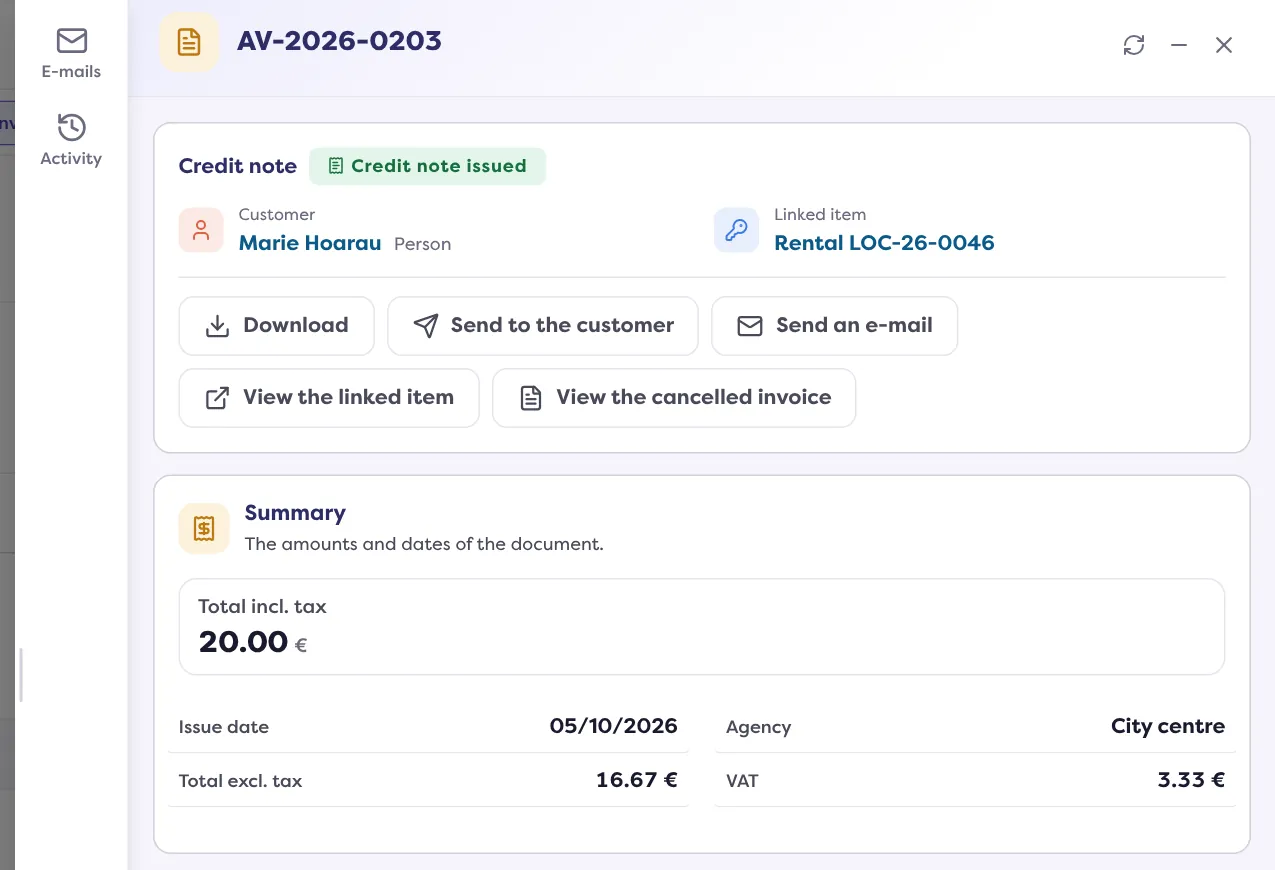
A credit note has its own prefix (“AV” by default) and can have its own sequence: see How do I set the numbering of my invoices and documents?.
To issue a credit note: How do I cancel an invoice with a credit note?. To change the look of your future invoices: How do I brand my contracts, invoices and inspection reports?.
Go further
Updated on 18 November 2026 with version 3.0