

Can I edit an invoice that is already validated?
- Manager v3
- Administrator
- Agency manager
In short. No: a validated invoice can no longer be edited or deleted. You can change its status, send it again, or cancel it with a credit note and make a new one. Only a draft can be edited, with “Edit”.
This is reserved to the administrator and the agency managers. With another role, ask one of them to do it.
A draft can be edited, a validated invoice cannot
As long as the invoice is a draft, you can click “Edit”, change the lines, the customer, the discounts, the conditions, or delete it with “Delete” (the deletion is final; the attached payments are detached, the money becomes available again, nothing is refunded).
Validation gives the invoice its final number and its date. The “Validate the invoice” window says it: “You will no longer be able to edit or delete it.” It is an accounting rule: the number and content of an issued invoice do not change. Read Validate an invoice and send it.
When “Edit” is unavailable, the reason is written under the actions, for example “This invoice is edited from the booking.”
What you can still do
- “Send to the customer”: send the document again by email.
- “Manage settlements”: collect, use the wallet, match or detach a payment. Read Match a payment to an invoice.
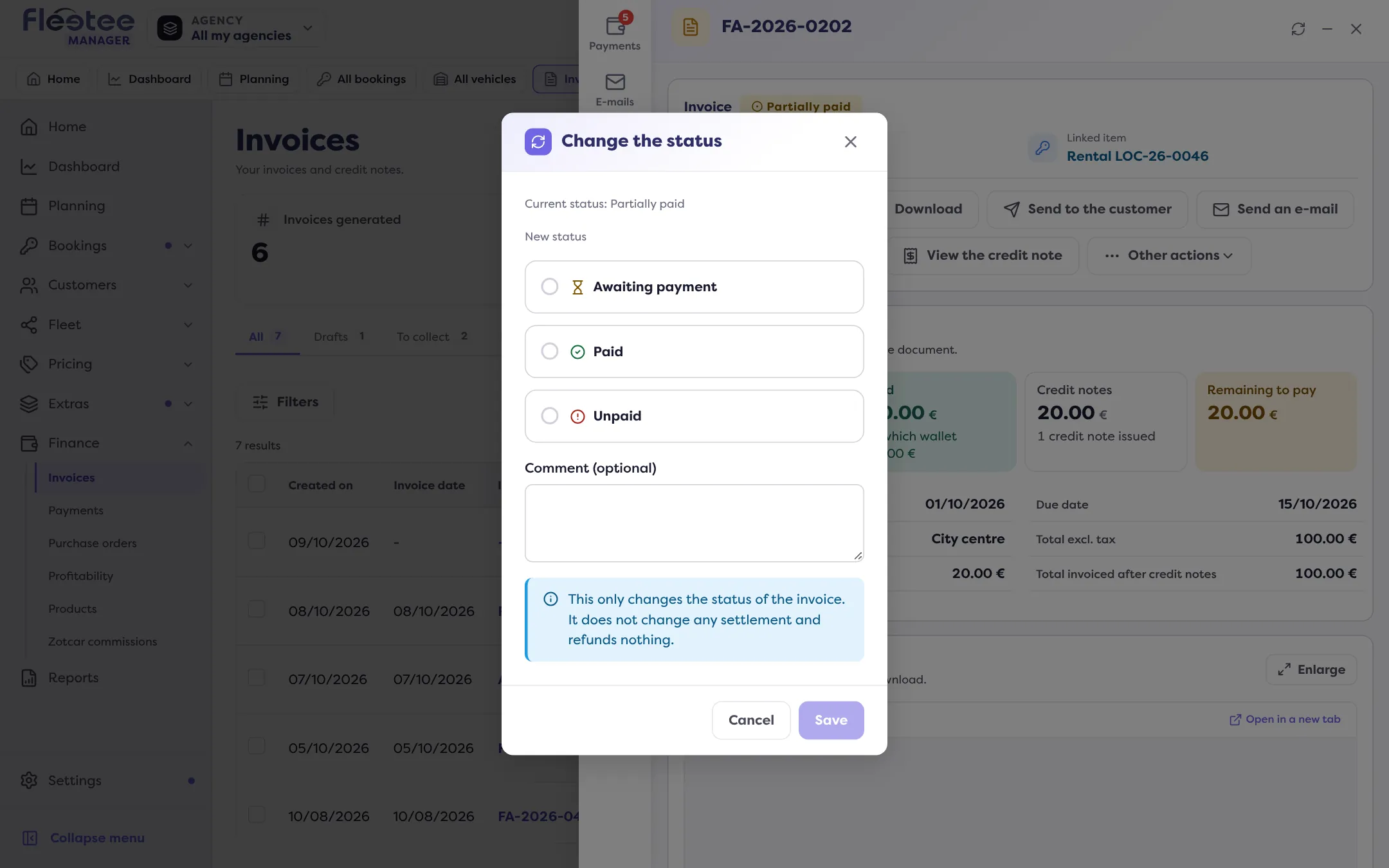
- “Change the status” (“Other actions” menu), reserved for the administrator and the agency manager: choose a new status among those offered (awaiting payment, paid or unpaid), with an optional comment. The action only changes the status: it changes no payment and refunds nothing.
- “Cancel the invoice”: see below.
Correcting a mistake: the credit note
To correct a validated invoice, cancel it with a credit note, then create the right invoice:
Cancel the invoice
“Cancel the invoice” issues a credit note, total or partial. Read Cancel an invoice with a credit note.
Make the invoice again
From the rental page, create the correct invoice: balance invoice, secondary invoice or invoice with no rental.
An issued credit note can no longer be edited either. Read How do I use a credit note?.
Go further
Updated on 18 November 2026 with version 3.0